

Magento 2 Marketplace Development: 2026 Guide
[Updated: May 4, 2026]
Multi-vendor plans stall fast on Magento 2: wrong extension, broken payment splits, hosting that buckles. Adobe Commerce 2.4.8 changed the stack, and 2.4.6 stores have until August 2026 before regular support ends.
This guide covers what matters in 2026: extension fit, payment-split workflows, and hosting that holds.
Key Takeaways
- Magento 2 marketplace development turns a single-vendor store into a multi-vendor platform via extension, custom build, or SaaS migration.
- Adobe Commerce 2.4.8 (PHP 8.3 and 8.4, MariaDB 11.4, OpenSearch) is the current stack. 2.4.6 reaches end of regular support on August 11, 2026.
- Multi-vendor extension prices in May 2026 sit around: Webkul $599, Mageplaza $349 to $499, Mirasvit $499, Amasty $549. Budget 12 to 15 percent yearly for support. Verify each price on the vendor site.
- Payment-split workflows use Stripe Connect, PayPal Commerce Platform, or Adyen Marketpay. Each handles escrow, vendor payouts, and tax in its own way.
- Hosting needs scale fast with vendor count: more CPU, larger DB, CDN for vendor assets, isolated backups.
What is Magento 2 Marketplace?
Magento 2 Marketplace = either Adobe's official extension store at commercemarketplace.adobe.com, or a multi-vendor storefront built with extensions on top of Magento Open Source or Adobe Commerce.
Perfect for: Merchants buying extensions to extend a single-vendor store, or store owners turning a single-vendor catalog into a multi-seller platform.
Not ideal for: Stores under 10 vendors (overhead exceeds value) or non-technical teams without hosting expertise.
The two get confused often. The Adobe Commerce Marketplace hosts around 3,000 extensions and themes for stores running Adobe Commerce or Magento Open Source. Adobe vets each submission through its Extension Quality Program for code, security, and compatibility.
A Magento 2 multi-vendor marketplace store runs as a multi-seller platform: many sellers, one storefront. Customers shop across vendors, the platform handles payment splits, and the marketplace owner takes a commission. To turn a single-vendor Magento 2 store into a multi-vendor marketplace, you install a multi-vendor extension (Webkul, Mageplaza, Mirasvit, Amasty), build a custom solution, or migrate to a SaaS marketplace platform.
This guide covers both: how to choose extensions from Adobe Commerce Marketplace, and how to build a multi-vendor marketplace store on Magento 2.
Magento 2 Marketplace in 2026: Current Stack and EOL Urgency
Adobe Commerce 2.4.8 is the current GA release. It ships with PHP 8.3 and 8.4 support, MariaDB 11.4, OpenSearch (Elasticsearch deprecated), Composer 2.7+, and Redis 7.2+. Source: Adobe Commerce release notes.
The end-of-support timeline matters for marketplace projects (source: Adobe Commerce lifecycle policy):
| Version | GA Date | End of Regular Support |
|---|---|---|
| 2.4.6 | March 14, 2023 | August 11, 2026 (3 months left) |
| 2.4.7 | April 9, 2024 | May 31, 2027 |
| 2.4.8 | April 8, 2025 | May 31, 2028 (current target) |
Adobe Commerce customers receive an additional one-year extended support window after Regular Support ends. A multi-vendor marketplace migration on a 2.4.6 store risks rebuild work after the August 2026 cutoff. Marketplace extensions for 2.4.8 use the new stack: PHP 8.4, MariaDB 11.4, OpenSearch indexing for vendor product search.
For full version details, see our Magento system requirements breakdown and the Magento version timeline.
Adobe Commerce Marketplace vs. Multi-Vendor Marketplace
The two get conflated in research. They solve different problems.
| Aspect | Adobe Commerce Marketplace | Multi-Vendor Marketplace |
|---|---|---|
| What it is | Extension store run by Adobe | Your own multi-seller storefront |
| Who uses it | Merchants buying extensions | Customers shopping across vendors |
| Built by | Adobe | You + extension vendor + hosting |
| Cost model | One-time + yearly support | Hosting + extension + ops + commission |
| Setup time | 30 minutes per extension | 4 to 12 weeks for production launch |
| Examples | Webkul Subscription, Hyva Theme | Etsy, Amazon, AliExpress patterns |
A common 2026 setup: a merchant runs a multi-vendor marketplace store, then buys extensions from Adobe Commerce Marketplace to add features (analytics, fraud prevention, PIM connectors) to that storefront.
Top Multi-Vendor Extensions: 2026 Comparison
Most multi-vendor projects pick one of four extensions. Custom builds make sense at high vendor counts (300+) or unusual workflows. Pricing here reflects approximate May 2026 vendor pages (verify on each vendor's site before purchase, prices shift quarterly):
| Extension | One-Time (approx.) | Yearly Support | Strengths |
|---|---|---|---|
| Webkul Marketplace | ~$599 | ~$99 | Largest install base, full vendor module ecosystem |
| Mageplaza Marketplace | ~$349 to $499 | Free updates 1 year | Lighter codebase, faster setup |
| Mirasvit Marketplace | ~$499 | ~$159 | Strong reporting, SaaS-style admin |
| Amasty Marketplace | ~$549 | ~$135 | EU-based, GDPR-aligned |
What to test before buying:
- User reviews on the Adobe Commerce Marketplace listing (filter for last 12 months)
- Vendor's official forum or support portal (response times, open issues)
- Compatibility matrix vs your Magento version
- Public demo store with vendor admin access (request from vendor)
For broader extension choices beyond multi-vendor, check our Magento extensions overview.
Key Features of Magento 2 Marketplace Development
Multi-vendor marketplaces need four feature pillars. Missing any one creates merchant or customer pain within weeks.
1. Multi-vendor capabilities
Each vendor manages their own products, orders, and shipments under one platform. Vendors set up storefronts, manage inventory, and configure shipping options. The marketplace administrator oversees compliance and quality.
Production marketplaces support vendor sub-roles (manager, fulfillment, finance), so a single vendor account does not become a bottleneck.
2. Product management
Sellers add, edit, and categorize products. Administrators oversee the catalog. The platform supports bulk product uploads, attribute management, and automated approval workflows. Image moderation tools matter at scale (10,000+ products per vendor).
3. Order processing
Each vendor manages their own orders, shipments, and returns. The platform handles real-time order tracking, vendor-level reporting, and automated notifications. Multi-vendor splits orders containing items from different sellers, then routes line items to the correct fulfillment workflow.
4. Seller management
Onboarding, profile management, performance tracking, and commission calculation. Administrators monitor seller metrics through analytics: order velocity, return rate, customer ratings, dispute frequency. Most extensions build commission rules per vendor or per product category.
Payment-Split Workflows for Multi-Vendor Stores
Payment splits separate marketplace platforms from regular stores. The customer pays the marketplace, funds sit in escrow, the platform releases vendor payouts after fulfillment, and the marketplace deducts commission.
Three payment platforms handle this in 2026:
| Platform | Cost Model | Best for |
|---|---|---|
| Stripe Connect | Standard Stripe processing fees plus a Connect platform fee (per-account or per-payout model) | US-first marketplaces, fast onboarding |
| PayPal Commerce Platform | Standard PayPal Commerce rates per transaction, no application fee | International marketplaces |
| Adyen Marketpay | Custom enterprise pricing on quote | High-volume marketplaces above $10M GMV |
Sources: Stripe Connect pricing and PayPal Commerce Platform docs. Verify exact fees on each provider's pricing page before signing.
Stripe Connect supports Express, Standard, and Custom account types. The Connect platform fee is configurable depending on whether Stripe handles the pricing or your platform does. PayPal Commerce Platform applies its standard processing rate per transaction with no separate per-marketplace application fee. Adyen wins on enterprise volume but requires direct sales contact.
Smaller marketplaces sometimes use bank-transfer-based payouts via vendor extensions. This works at low volume but creates reconciliation headaches and fraud risk above 50 vendors.
For a wider view of Magento payment options, see our overview of payment gateway integrations for Adobe Commerce stores.
5 Key Categories of Magento 2 Marketplace
Adobe Commerce Marketplace organizes extensions into categories. These five drive the highest install counts.
1. Marketing
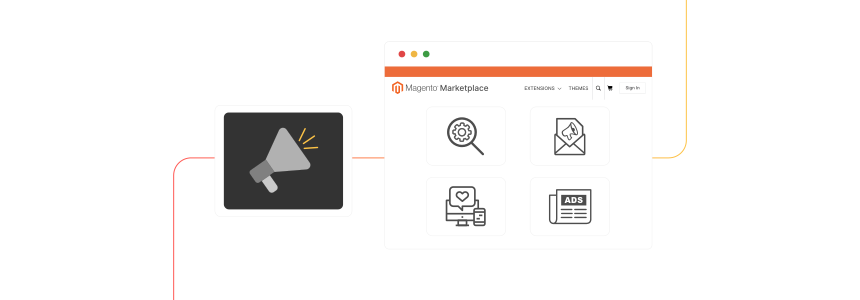
SEO tools, email marketing extensions for targeted campaigns, social media integration tools, advertising campaign managers. Multi-vendor marketplaces need vendor-level analytics inside marketing tools, since each seller wants their own performance data.
2. Payment
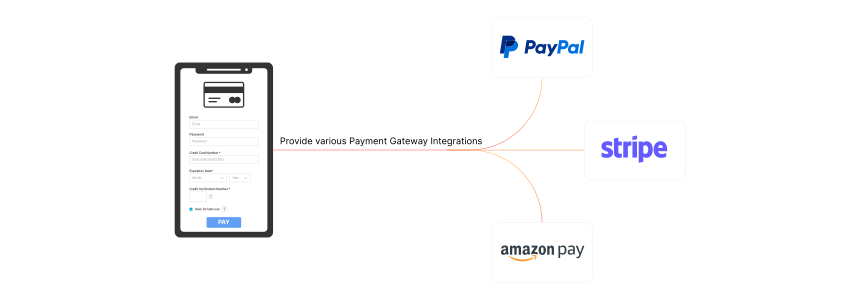
Payment gateway integrations for credit cards, digital wallets, and split payments. Checkout enhancement extensions reduce cart abandonment in checkout-heavy marketplaces. Multi-currency support matters for international stores.
3. Shipping
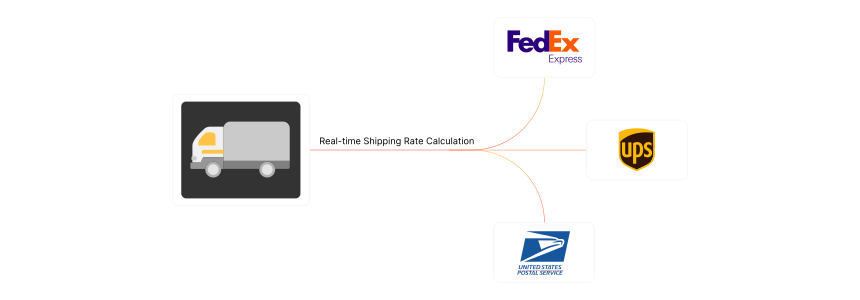
Carrier integrations (UPS, FedEx, USPS, DHL), real-time rate calculators, order tracking, shipping rule managers. Multi-vendor marketplaces split shipments per seller location, so smart-routing extensions cut delivery costs at scale.
4. Customer Support

Live chat, helpdesk, customer feedback management, CRM integrations. Marketplace-specific tools route customer questions to the correct vendor. AI-powered triage in 2026 cuts response time and human agent load.
5. Site Optimization
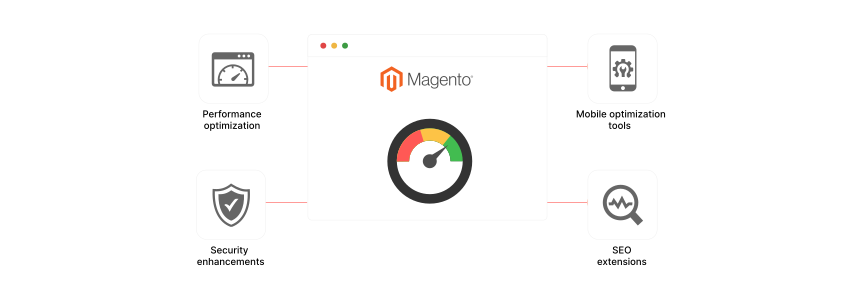
Caching, security hardening, mobile optimization, schema markup tools. Multi-vendor sites need cache layers that handle vendor-specific page variants. See our performance tuning guide for cache and CDN setup.
Hosting Decision Matrix for Marketplace Stores
A single-vendor Magento 2 store and a multi-vendor marketplace have different hosting needs. Underestimating this is a common reason marketplace launches stumble in the first 6 months.
| Resource | Single-Vendor | Multi-Vendor (50 sellers) | Multi-Vendor (200+ sellers) |
|---|---|---|---|
| CPU | 8 to 16 vCPU | 16 to 24 vCPU | 32+ vCPU, auto-scaling |
| RAM | 24 to 32 GB | 48 to 64 GB | 96+ GB |
| Database | 100 GB SSD | 250 GB NVMe + read replicas | 1 TB+ NVMe + sharded |
| CDN | Optional | Required (vendor assets) | Multi-region required |
| Backups | Daily snapshot | Vendor-isolated daily | Per-vendor restore + audit |
Multi-vendor stores generate higher concurrent admin sessions (each vendor logs in to manage their store), larger product catalogs, and image-heavy vendor uploads. CDN cost climbs, database growth doubles, and uptime requirements stiffen because every vendor outage cascades.
For production multi-vendor stores, managed Magento hosting on AWS handles auto-scaling, isolated backups, and vendor-asset CDN distribution out of the box. Self-managed VPS hosting works for small marketplaces (under 20 vendors) but becomes a bottleneck above that.
How to Choose the Right Extension in Magento 2 Marketplace
Seven criteria separate good extension choices from regret in 6 months.
1. Understand your requirements
Identify the specific features your marketplace needs. Multi-vendor extensions vary in vendor commission models, product approval workflows, and storefront customization depth. Match to your business model first, vendor names second.
2. Quality and reliability
Check user reviews from the last 12 months on Adobe Commerce Marketplace. Look at the vendor's GitHub or public issue tracker. Test compatibility on a staging environment before buying.
3. Compatibility

Verify the extension supports your current Magento version (2.4.8 in 2026). Check for conflicts with installed extensions, in particular payment, search, and PWA modules.
4. Support and documentation
Established vendors offer documentation, ticket support, and community forums. Response times under 24 hours during business days are the working benchmark.
5. Security and compliance
Verify the extension passes Adobe's Extension Quality Program. For EU marketplaces, GDPR compliance matters. PCI-DSS scope grows with payment-split workflows.
6. User experience
Choose extensions with intuitive vendor admin panels. Vendor onboarding rate is a leading indicator: low-friction onboarding correlates with marketplace growth.
7. Cost and value
Compare total cost of ownership: extension price, yearly support, customization budget, ongoing maintenance. The cheapest extension often costs more after customization and rework.
Cost Breakdown: Extension vs. SaaS vs. Custom Build
Three paths exist for building a Magento 2 multi-vendor marketplace. Each has a different cost curve.
| Path | Initial Cost | Year 1 Total | Best For |
|---|---|---|---|
| Magento extension + hosting | $500 to $700 | $4,000 to $12,000 | Stores under 100 vendors |
| SaaS marketplace platform | $0 to $5,000 | $7,000 to $30,000 | Non-technical teams, fast launch |
| Custom Magento build | $30,000 to $150,000 | $40,000 to $200,000 | 300+ vendors or unique workflows |
The extension path keeps full Magento flexibility (own database, full control, integrations). SaaS platforms (Shopify Marketplace plugins, Mirakl) trade flexibility for ease but charge percentage fees on GMV. Custom builds give total control at high upfront cost.
For most marketplaces under 100 vendors, the extension path delivers the best value: full Magento power, predictable cost, and migration optionality if the marketplace scales beyond what the extension supports.
Magento 2 Marketplace vs. Traditional E-commerce Platforms
| Feature | Magento 2 Marketplace | Traditional E-commerce |
|---|---|---|
| Flexibility and customization | High flexibility, deep customization options for tailored solutions | Limited customization, predefined templates, faster to set up |
| Scalability and performance | Built for scale, handles large catalogs and high-traffic volumes | Performance issues as the business grows |
| Integration capabilities | Extensive third-party extension and API support | Limited integration capabilities |
| Cost and maintenance | Higher initial investment and ongoing maintenance | Lower upfront cost, simpler maintenance, fewer advanced features |
| Security | Strong security features with regular updates | Basic security measures, less comprehensive |
FAQs
1. What are the key features to look for in a Magento 2 marketplace solution?
A Magento 2 marketplace solution should include multi-vendor support, product and order management, customizable vendor commissions, and integration with payment-split gateways like Stripe Connect or PayPal Commerce Platform.
2. How does payment splitting work on a Magento 2 marketplace?
The customer pays the marketplace. Funds sit in escrow with the payment platform. After fulfillment, the platform releases vendor payouts and deducts the marketplace commission. Stripe Connect, PayPal Commerce Platform, and Adyen Marketpay support this flow.
3. What hosting do I need for a Magento 2 marketplace?
Multi-vendor stores need more than single-vendor hosting. For 50 sellers: 16 to 24 vCPU, 48 to 64 GB RAM, 250 GB NVMe storage with read replicas. CDN for vendor assets is mandatory above 20 sellers. Self-managed VPS works under 20 vendors. Managed AWS hosting fits production marketplaces above that.
4. Should I use a marketplace extension or build a custom solution?
Extensions cover 80 percent of marketplace use cases under 100 vendors. Custom builds make sense for unusual vendor workflows (industry-specific compliance, complex commission tiers) or vendor counts above 300. SaaS platforms (Mirakl, Shopify Marketplace plugins) fit non-technical teams that need a fast launch.
5. What is the difference between Adobe Commerce Marketplace and a multi-vendor marketplace?
Adobe Commerce Marketplace is Adobe's official extension store at commercemarketplace.adobe.com. A multi-vendor marketplace is your own storefront where many sellers list products. The first sells extensions to merchants. The second is what you build with those extensions.
6. How long does it take to launch a Magento 2 marketplace?
Extension-based launches take 4 to 12 weeks: install (1 week), configuration (2 to 4 weeks), vendor onboarding workflow (2 to 4 weeks), payment integration (1 to 2 weeks), staging tests (1 to 2 weeks), production launch. Custom builds run 4 to 9 months.
7. What advantages does Adobe Commerce offer for marketplace development?
Adobe Commerce supports advanced search, B2B features, content staging, and headless commerce out of the box. For marketplace development, native support for complex pricing rules and dedicated B2B account hierarchies cuts custom code work compared to Magento Open Source.
8. Why does Magento 2.4.6 EOL matter for marketplace projects?
Magento 2.4.6 reaches end of regular support on August 11, 2026. Multi-vendor extensions release version-specific updates. A marketplace built on 2.4.6 in mid-2026 needs migration to 2.4.7 or 2.4.8 within months, doubling the delivery work. Start new marketplace projects on 2.4.8.
Summary
Magento 2 marketplace development covers two paths: choosing extensions from Adobe Commerce Marketplace, and building a multi-vendor marketplace from a single-vendor store. The right choice depends on vendor count, technical depth, and budget.
Key 2026 considerations:
- Adobe Commerce 2.4.8 is current. 2.4.6 EOL is August 11, 2026.
- Multi-vendor extensions: ~$349 to ~$599 one-time + yearly support.
- Payment-split workflows use Stripe Connect, PayPal Commerce Platform, or Adyen Marketpay.
- Hosting scales with vendor count: 50 sellers need triple the resources of single-vendor stores.
For multi-vendor production marketplaces, managed Magento hosting on AWS handles auto-scaling and vendor-asset CDN that single-vendor hosting plans skip.
