

Magento 2 One Page Checkout: Configuration, Extensions, and Conversion Tips
[Updated: March 12, 2026]
70% of shopping carts get abandoned before checkout completes. Multi-step checkout flows are a top cause. One page checkout puts everything on a single screen and cuts completion time in half.
This guide covers Magento 2 one page checkout setup, the best extensions with pricing, and what matters for conversions.
Key Takeaways
- The average cart abandonment rate is 70.22% across 50 studies (Baymard Institute). 18% of shoppers abandon because checkout is too complex.
- Magento 2 includes a built-in one page checkout that consolidates shipping, billing, and payment into a single screen.
- Better checkout design can increase conversion rates by 35.26% (Baymard Institute research).
- The ideal checkout has 12 to 14 form elements. The average US checkout has 23.48, which is almost double.
- Third-party extensions add features like address autocomplete, custom fields, delivery scheduling, and Hyva theme support from $79 to $319+.
Magento One Page Checkout at a Glance
Magento one page checkout is the single-screen checkout flow built into Magento 2. Shipping address, shipping method, payment, and order review all live on one page. No navigation between steps, no page reloads, no progress bars.
The default Magento one page checkout works for most stores out of the box. For advanced layouts, address autocomplete, delivery date selection, or full Hyva compatibility, merchants extend it with a third-party extension.
This guide covers both paths: enabling and configuring the built-in Magento one page checkout, and comparing the top 5 extensions on price, features, and theme compatibility.
What Is Magento 2 One Page Checkout?
Magento 2 one page checkout = All checkout steps (shipping address, shipping method, payment, order review) on a single page instead of separate screens. Reduces clicks and page loads, which cuts abandonment.
Perfect for: Online stores with high cart abandonment, mobile-first stores, merchants who want faster conversions
Not ideal for: B2B stores with complex approval workflows, stores that need multi-step data collection for compliance
Magento 2 ships with a built-in one page checkout since its initial release. It presents shipping information, payment details, and order summary on one screen. Customers fill in their details, select shipping and payment methods, and place the order without navigating between pages.
The default checkout in Magento 2.4.8 (the current stable release as of March 2026) uses a two-column layout. The left column handles shipping and payment. The right column shows the order summary. This setup works for most stores out of the box.
Why One Page Checkout Matters for Conversions
Cart abandonment costs retailers $18 billion per year. The Baymard Institute analyzed 50 studies and found the average abandonment rate sits at 70.22%.
The top reasons customers leave during checkout:
| Reason | Share of Abandonments |
|---|---|
| Extra costs too high (shipping, tax, fees) | 39% |
| Delivery too slow | 21% |
| Didn't trust site with credit card | 19% |
| Required account creation | 19% |
| Checkout too long or complicated | 18% |
| Couldn't see total cost upfront | 14% |
One page checkout addresses the "too long or complicated" problem. It reduces form elements, eliminates page loads between steps, and lets customers see their full order at all times.
Baymard's research shows the ideal checkout contains 12 to 14 form elements with 7 to 8 actual form fields. The average US ecommerce checkout has 23.48 form elements. Cutting that in half through a single-page layout creates a measurable conversion lift.
One Page vs. Multi Page Checkout: Direct Comparison
| Factor | One Page Checkout | Multi Page Checkout |
|---|---|---|
| Checkout speed | All fields on one screen. No page reloads between steps. | Multiple page loads. Each step requires a new request. |
| Cart abandonment | Lower. Fewer drop-off points between start and completion. | Higher. Every additional page is an exit opportunity. |
| Conversion rates | Better for most B2C stores. Reduces friction. | Can work for B2B with complex approval flows. |
| Data collection | Limited opportunity to capture partial data. | Can capture email on step 1 for abandoned cart recovery. |
| Mobile experience | Single scroll. Works well on small screens. | Multiple taps and loads. Slower on mobile. |
| Analytics | Harder to pinpoint where users struggle. | Clear step-by-step funnel with drop-off per page. |
| Page load | Initial load heavier (all fields at once). | Each page loads fast, but total time is longer. |
When to use multi-page: Stores that need to capture email addresses early for cart recovery campaigns, B2B stores with purchase order approvals, or stores where compliance requires step-by-step data collection.
When to use one page: Most B2C stores, stores with high mobile traffic, any store where checkout completion speed matters more than partial data capture.
How to Configure Default Magento 2 One Page Checkout
The built-in one page checkout requires no extensions. Here is how to enable and configure it:
Step 1: Log in to the Magento Admin Panel.
Step 2: Navigate to Stores → Configuration → Sales → Checkout.
Step 3: Open the Checkout Options section.
Step 4: Set Enable Onepage Checkout to Yes.
Step 5: Click Save Config.
Step 6: Flush the cache (System → Cache Management → Flush Magento Cache).
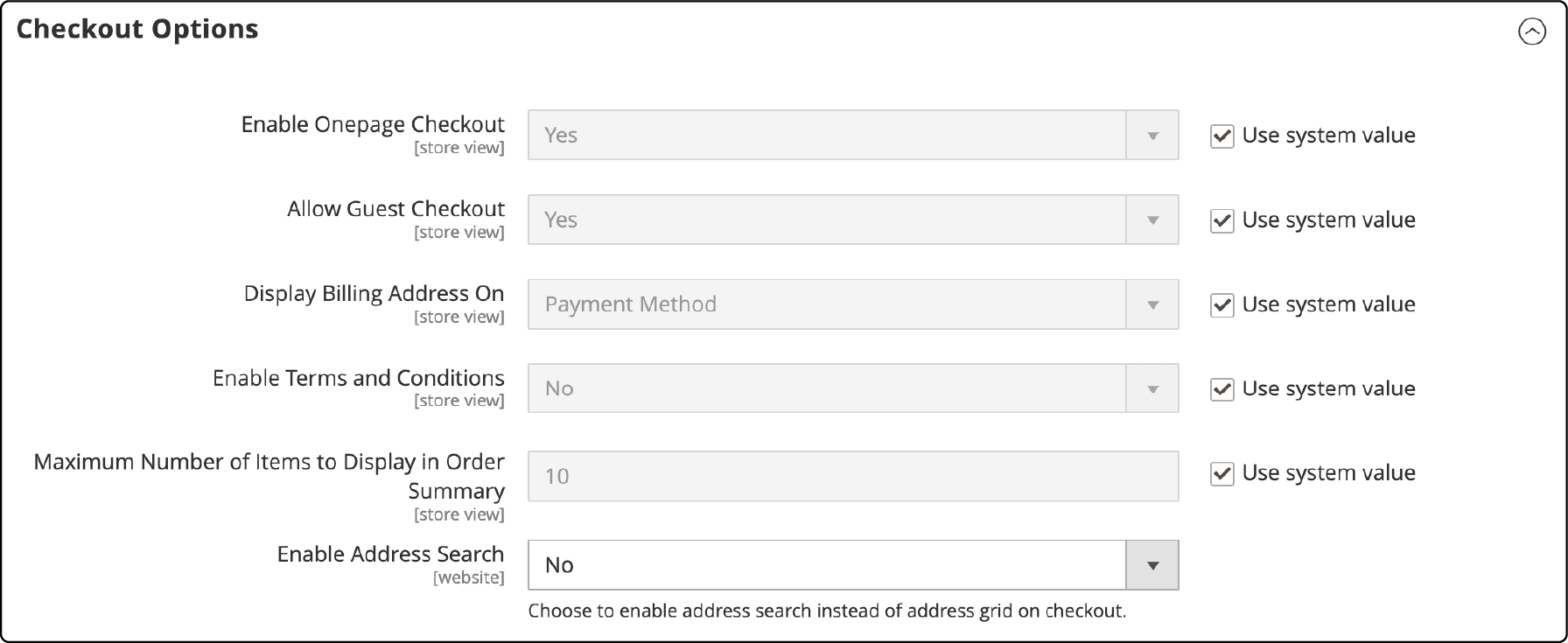
You can also enable guest checkout in the same configuration section. Guest checkout removes the account creation requirement, which eliminates one of the top abandonment causes (19% of users leave when forced to create an account).
Additional Configuration Options
Under Stores → Configuration → Sales → Checkout, you can fine-tune:
- Display Billing Address On: Choose "Payment Method" (default) or "Payment Page" to control where billing fields appear.
- Maximum Number of Items to Display in Order Summary: Set how many cart items show in the sidebar. Default is 10.
- Enable Address Search: For stores with many saved addresses, turn on address search to help returning customers find their address fast.
Limitations of the Default One Page Checkout
The built-in checkout works, but it has constraints:
- No drag-and-drop field management. You cannot reorder or hide checkout fields without custom development or layout XML modifications.
- No address autocomplete. Google Places or similar autocomplete requires an extension or custom integration.
- Limited layout options. The two-column layout is fixed. No single-column or three-column alternatives.
- No delivery date selection. Customers cannot pick a preferred delivery date or time slot.
- Basic payment method display. Payment options show as a simple list without visual grouping or icons.
For stores that need these features, third-party extensions fill the gap.
5 Best Magento 2 One Page Checkout Extensions (2026)
Extension Comparison Table
| Extension | Price (CE) | Magento 2.4.8 | Hyva Support | Key Differentiator |
|---|---|---|---|---|
| FireCheckout (SwissupLabs) | $79 | Yes | Yes | 5 layout presets, lowest price |
| BSS Commerce | $149 | Yes | Yes (Luma-based) | Auto-fill, delivery date, gift wrap |
| Mageplaza | From $199 | Yes | Yes | 222 reviews, Google address suggest |
| Aheadworks | From $237/yr | Yes | Yes | Checkout analytics dashboard |
| Amasty | From $289 | Yes | Yes | Drag-and-drop layout builder |
Prices as of March 2026. Enterprise (EE/Cloud) licenses cost more. Check vendor sites for current pricing.
1. FireCheckout by SwissupLabs
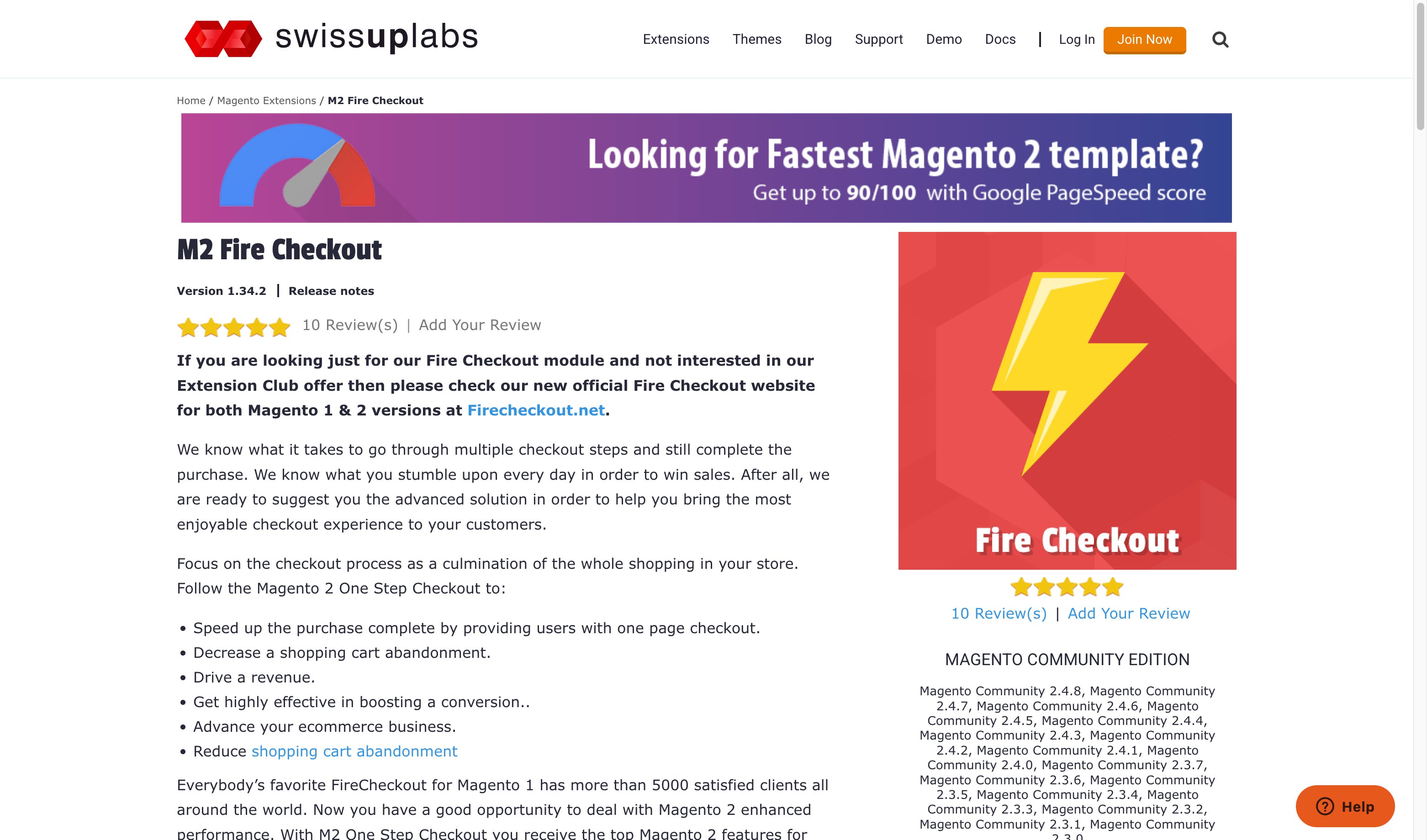
FireCheckout replaces the default multi-step Magento checkout with a single page. It includes 5 layout options (1-column, 2-column, 3-column, and more) that merchants can switch without code changes.
The extension supports address autocomplete, field management, and order comments. At $79, it is the most affordable option with full Magento 2.4.8 and PHP 8.4 compatibility.
2. BSS Commerce One Step Checkout
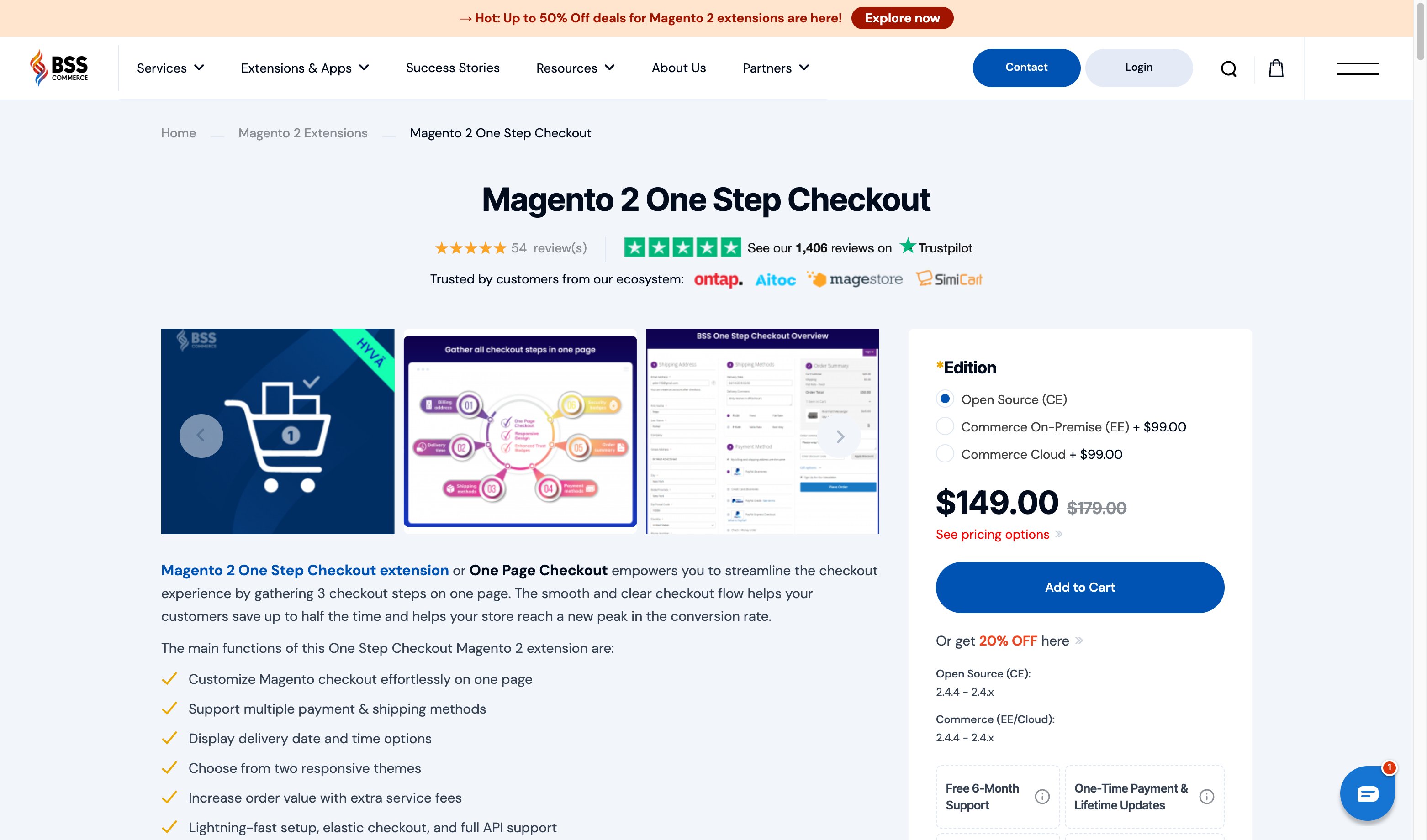
BSS Commerce consolidates three checkout steps into one page. It auto-suggests addresses, auto-fills order information, and supports delivery date and time selection.
The extension includes gift wrap with messages, newsletter subscription, and discount code application. Version 2.4.2.1 (July 2025) added PHP 8.4 support and CSS layout fixes. Priced at $149 for Open Source, with Enterprise editions adding $99.
3. Mageplaza One Step Checkout
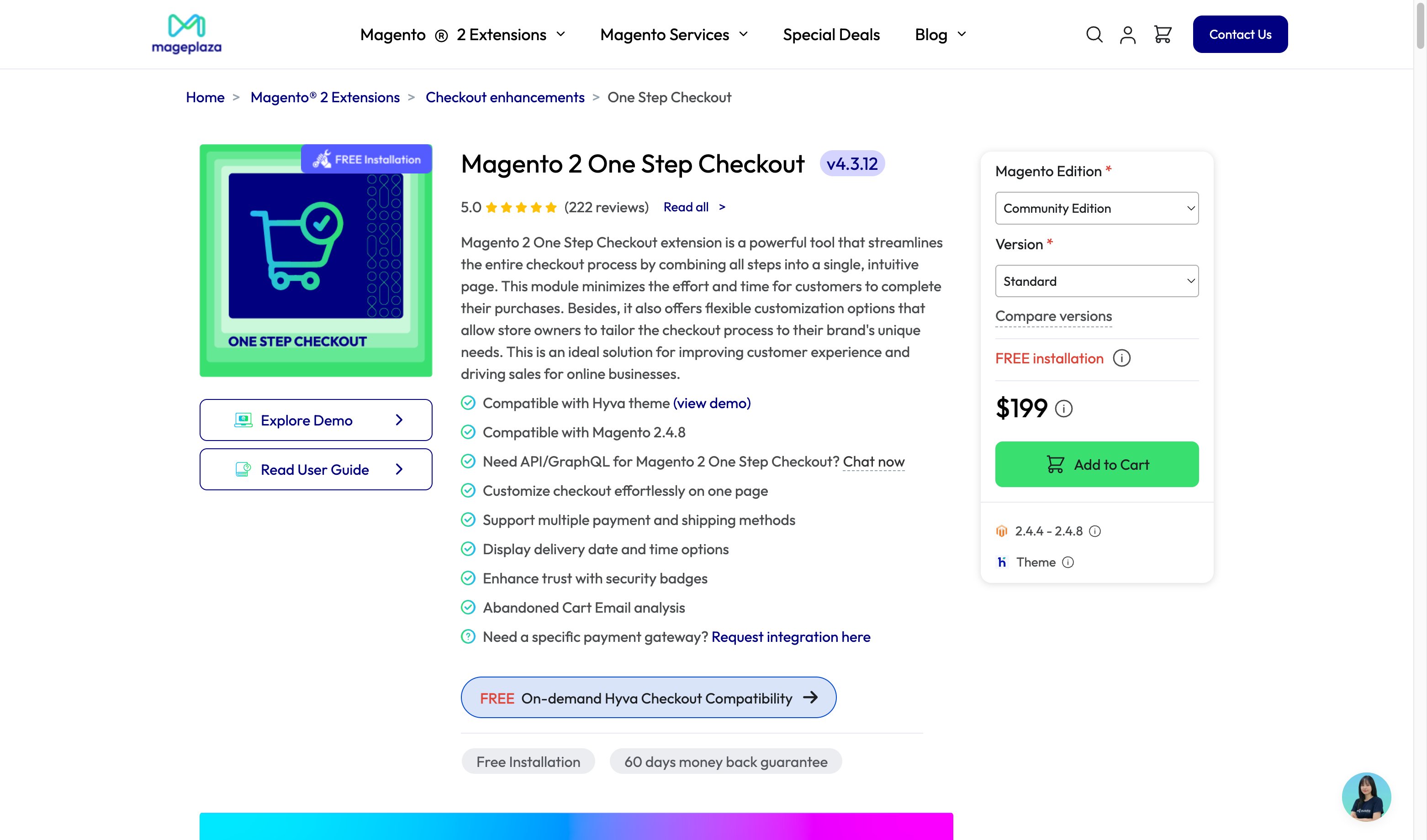
Mageplaza's extension has 222 reviews and a 5.0 rating. It combines all checkout steps on a single page without page reloads. Features include Google address suggestions, customizable layouts and colors, trust badges, and abandoned cart email reminders.
The extension works with both Luma and Hyva themes. It supports custom checkout fields for gathering additional customer data.
4. Aheadworks Smart One Step Checkout
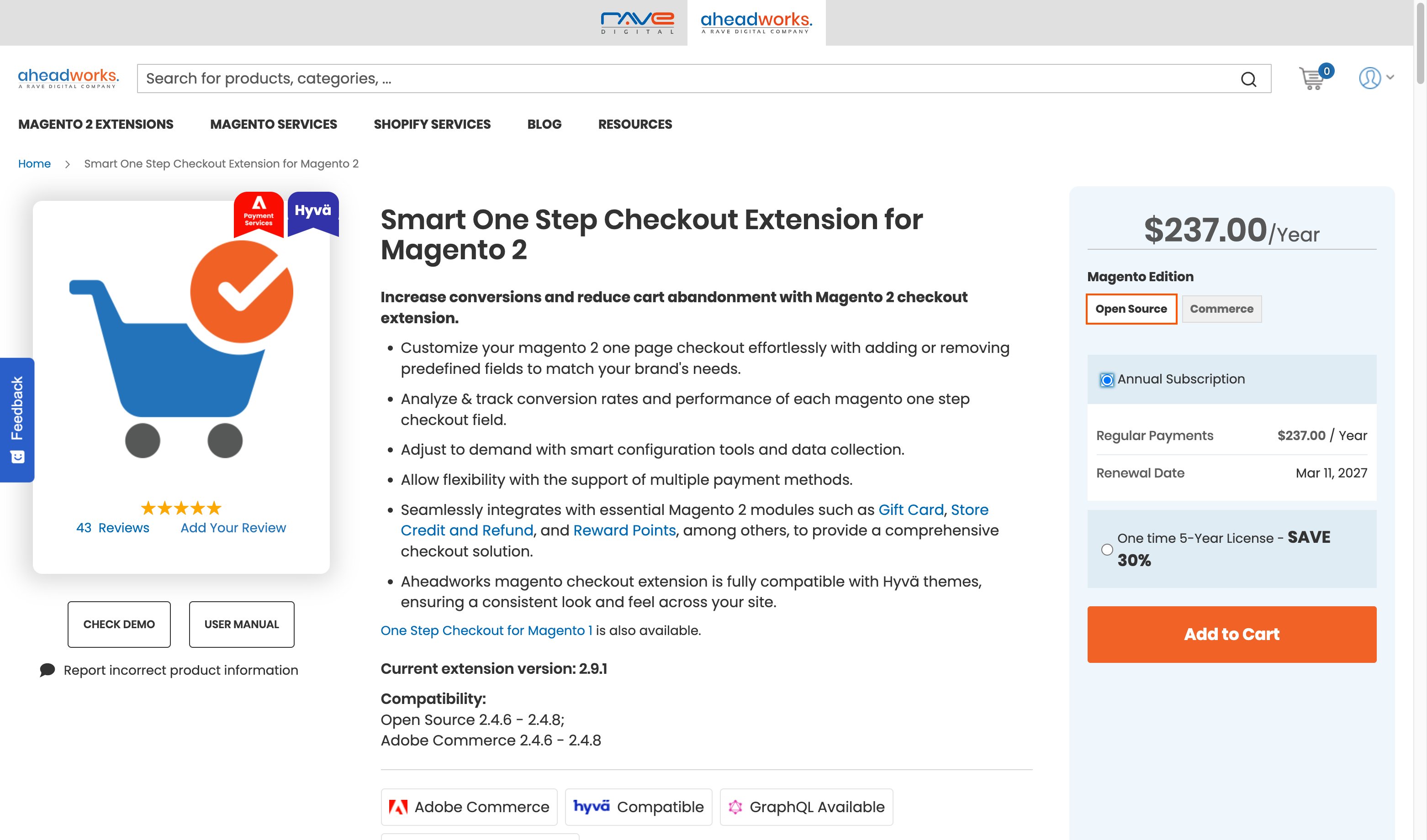
Aheadworks is the only extension in this list with a built-in checkout analytics dashboard. It tracks conversion rates per checkout field, helping merchants identify which form fields cause drop-offs.
The "Place Order" button stays visible on screen at all times (sticky positioning). The extension uses AJAX updates so the page never reloads during checkout. Pricing starts at $237 per year with subscription-based licensing.
5. Amasty One Step Checkout Pro
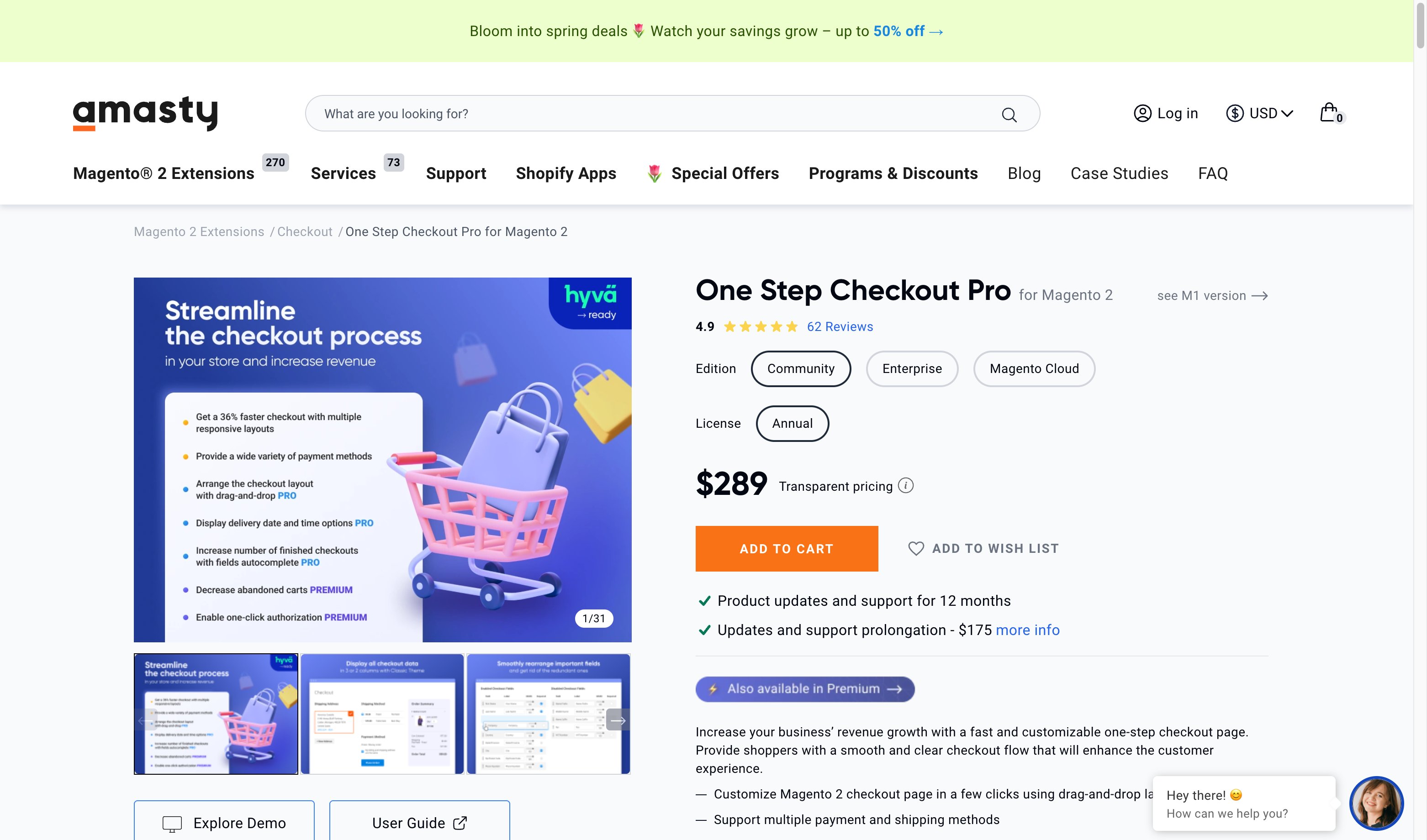
Amasty offers a drag-and-drop layout builder for the checkout page. Merchants can reorder, show, or hide any field without touching code. The extension claims 36% faster checkout through reduced code size.
Features include Google address suggestions, coupon validation, and a mobile-first responsive design. Pricing starts at $289 with multiple tiers depending on support and license duration.
How to Choose the Right Checkout Extension
Not every store needs a third-party extension. Use these criteria to decide:
1. Does the default checkout meet your needs? If your store has a simple product catalog, standard shipping, and basic payment options, the built-in checkout may be enough.
2. Do you need Hyva theme compatibility? If your store runs on Hyva, verify the extension supports it. See our Hyva checkout extension overview for compatibility details.
3. Do you need checkout analytics? If you want field-level conversion data, Aheadworks is the only extension with built-in analytics. Otherwise, Google Analytics 4 with enhanced ecommerce tracking covers basic funnel analysis.
4. What is your budget? FireCheckout at $79 delivers core one-page functionality. Premium extensions like Aheadworks and Amasty add advanced features at higher price points. Factor in annual subscription costs for extensions that use subscription licensing.
5. Does it work with your Magento version? All extensions in this list support Magento 2.4.8 and PHP 8.4. For older Magento versions, check compatibility before purchasing.
Checkout Performance and Hosting
A fast Magento one page checkout depends on more than just the extension you choose. Server response time affects every page load, including checkout.
Slow checkout pages increase abandonment. If your checkout page takes more than 3 seconds to load, bounce rates jump 32%. At 5 seconds, bounce rates reach 90%.
Key hosting factors that affect checkout speed:
- PHP version: Magento 2.4.8 system requirements include PHP 8.4 or 8.3. PHP 8.4 delivers measurable performance improvements over PHP 8.2.
- Database: MariaDB 11.4 or MySQL 8.4 for current Magento 2.4.8 support.
- Full page cache: Checkout pages are dynamic (not cacheable), so raw server performance matters more here than for static pages.
- SSL/TLS: Secure checkout is mandatory. Your hosting must support modern TLS with fast handshakes.
Managed Magento hosting handles these server-level optimizations so merchants can focus on improving their store's conversion rate instead of server configuration.
Pros and Cons of One Page Checkout
FAQ
What is Magento one page checkout?
Magento one page checkout displays all checkout steps (shipping address, shipping method, payment, order review) on a single page. Customers complete their purchase without navigating between multiple screens.
How do I enable one page checkout in Magento 2?
Go to Stores, Configuration, Sales, Checkout, then set Enable Onepage Checkout to Yes. Save the configuration and flush the cache.
What is the average cart abandonment rate for ecommerce?
The average cart abandonment rate is 70.22% based on 50 studies compiled by the Baymard Institute. Complex checkout processes account for 18% of all abandonments.
Does Magento one page checkout work with Hyva theme?
The default Magento checkout works with Hyva using Luma-based checkout fallback. Third-party extensions from BSS Commerce, Mageplaza, FireCheckout, and Amasty offer native Hyva checkout support.
How much do one page checkout extensions cost?
Prices range from $79 (FireCheckout) to $319+ (Amasty Pro and enterprise tiers). Most extensions for Magento Open Source start between $99 and $199. Enterprise and Cloud editions cost more.
Is one page checkout better than multi-page checkout?
For most B2C stores, yes. One page checkout reduces friction and abandonment. Multi-page checkout works better for B2B stores with approval workflows or stores that need to capture customer emails early for cart recovery.
Do one page checkout extensions affect page speed?
Extensions add JavaScript and CSS to the checkout page. Well-coded extensions from established vendors have minimal impact. Test checkout page load time before and after installation to verify performance.
What Magento version supports one page checkout?
Magento 2 has included one page checkout since its initial release. The current stable version is Magento 2.4.8 (April 2025) with the latest security patch 2.4.8-p4 (March 2026). All extensions listed in this guide support 2.4.8.
Can I customize checkout fields without an extension?
Yes, through Magento layout XML files and checkout configuration. However, this requires developer knowledge. Extensions like Amasty and BSS Commerce offer drag-and-drop field management for non-technical users.
How does hosting affect checkout speed?
Checkout pages are dynamic and cannot use full page cache. Server CPU, memory, PHP version, and database performance determine checkout load time. Managed Magento hosting optimizes these components for consistent checkout performance.
Summary
Magento one page checkout reduces abandonment by consolidating all checkout steps into a single screen. The built-in option works for basic stores. Extensions from FireCheckout ($79), BSS Commerce ($149), Mageplaza ($199+), Aheadworks ($237/yr), and Amasty ($289+) add features like address autocomplete, checkout analytics, and Hyva support.
Choose managed Magento hosting to ensure your checkout page loads fast regardless of which extension you use.
