

How to Set Up Buy X Get Y Free Magento 2 Promotions
[Updated March 13, 2026] Want to boost order values and move excess inventory at the same time?
Buy X Get Y Free promotions in Magento 2 give customers a free item when they purchase a qualifying product. This cart price rule drives higher average order values while clearing stock.
This tutorial covers the complete setup process, backend logic, real-world use cases, and common pitfalls to avoid.
Key Takeaways
- Magento 2 includes a native "Buy X Get Y Free" cart price rule that applies discounts at checkout.
- The native rule works on row totals. X and Y must be the same SKU unless you configure specific SKU conditions in the Actions tab.
- Use the Maximum Qty Discount formula
(X+Y) * (M/Y)to control how many free items a customer receives. - Set rule priority and "Discard Subsequent Rules" to prevent unwanted discount stacking.
- Always flush the Magento cache and test the rule on the storefront before going live.
What is Buy X Get Y Free in Magento 2?
Buy X Get Y Free = A native Magento 2 cart price rule that gives customers a free item when they purchase a set quantity. The discount applies at the cart level, not the product level.
Perfect for: Merchants clearing seasonal stock, stores running BOGO promotions, brands bundling accessories with core products.
Not ideal for: Complex multi-product bundles without custom SKU conditions, stores that need the free item auto-added to cart.
The "Buy X Get Y Free" rule is a cart price rule in Magento 2. Customers get a free item when they add a qualifying quantity to their cart.
The promotion logic depends on four core components:
- The "X" item is the product a customer must purchase.
- The "Y" item is the product the customer receives for free.
- The condition sets the required purchase quantity of X.
- The action applies the free Y item discount at checkout.
Merchants create this promotion in the admin panel under Marketing > Promotions > Cart Price Rules. They use conditions to target specific customer groups and actions to define the discount logic.
How the Backend Logic Works
Magento calculates the promotion using these formulas:
-
Number of Deals:
floor(Total Quantity in Cart / (X + Y))(The
floorfunction rounds down. You cannot get a partial deal.) -
Total Free Items:
Number of Deals * Y -
Total Paid Items:
Total Quantity in Cart - Total Free Items -
Total Discount:
Total Free Items * Price_Per_Item -
Final Cost:
Total Paid Items * Price_Per_Item
Example: A "Buy 2 Get 1 Free" rule with 9 items in the cart at $20 each:
- Deals = floor(9 / 3) = 3
- Free items = 3 × 1 = 3
- Paid items = 9 − 3 = 6
- Discount = 3 × $20 = $60
- Final cost = 6 × $20 = $120
Maximum Qty Discount Formula
The Maximum Qty Discount is Applied To field controls how many free items a customer can receive. Use this formula from the Adobe Commerce documentation to calculate the correct value:
Maximum Qty Discount = (X + Y) * (M / Y)
Where X = purchased items, Y = free items, M = maximum free items allowed.
Example: Buy 5 (X=5), Get 2 Free (Y=2), Max 4 free items (M=4):
- Maximum Qty Discount = (5 + 2) × (4 / 2) = 7 × 2 = 14
Enter 14 in the Maximum Qty Discount is Applied To field.
Same-SKU Default Behavior
The native Buy X Get Y Free rule processes discounts on row totals. By default, X and Y items must come from the same SKU.
To create promotions with different products (e.g., buy a camera, get a memory card free), add SKU conditions in the Actions tab:
- Under Actions, find the condition builder section.
- Add a condition: SKU is one of [target SKU(s)].
- This targets the free "Y" items to specific products.
Without these SKU conditions, the rule applies the discount to the cheapest item in a row of the same product.
Why Use Buy X Get Y Free Promotions?
1. Increase Average Order Value
Promotions encourage customers to add more items to their carts. The prospect of a free product is a strong incentive that pushes order values higher. Higher order values lead to increased revenue per transaction.
2. Clear Excess Inventory
Retailers often have overstocked or seasonal items tying up warehouse space. A "Buy X Get Y Free" promotion moves this inventory. For instance, customers must buy a winter coat to receive free winter gloves. This strategy clears old stock and turns potential losses into marketing wins.
3. Enhance Customer Loyalty
Rewarding customers fosters a positive relationship with the brand. A free product makes customers feel appreciated. They return for future purchases. This repeat business builds a loyal customer base. Loyalty programs work well with these types of promotions.
4. Attract New Customers
A "Buy One Get One Free" deal captures the attention of new shoppers. It can persuade a potential customer to make their first purchase. A positive first experience converts them into regular patrons. The promotion acts as a powerful acquisition tool.
5. Control Discount Stacking with Rule Priority
Stores often run several active promotions at once. Unwanted discount stacking can cause profit loss.
Magento provides two settings to prevent this:
- Priority: Rules with lower numbers run first. A rule with Priority 1 runs before Priority 2.
- Discard Subsequent Rules: When set to "Yes," Magento stops processing other cart price rules after this rule applies. This prevents stacking with other active promotions.
Comparing "Buy X Get Y" vs Other Magento Promotions
| Feature | Buy X, Get Y Free | Percent Discount | Fixed Amount Discount | Fixed Amount Whole Cart | Free Shipping |
|---|---|---|---|---|---|
| Goal | Increase AOV, clear inventory | Category or site-wide sales | Encourage product trial | Hit spending thresholds | Reduce cart abandonment |
| Psychology | "FREE" feels like a gift | Classic bargain hunting | Tangible dollar savings | Motivates cart additions | Removes purchase barrier |
| Best For | Product bundling, BOGO deals | Seasonal sales, flash deals | New product launches | "$X off orders over $Y" | Competing with major retailers |
| Margin Impact | Fixed cost (Y item value) | Scales with product price | Known fixed cost | Decreases past threshold | Varies by package and destination |
| Magento Setting | Buy X get Y free |
Percent of product price discount |
Fixed amount discount |
Fixed amount discount for whole cart |
Free Shipping |
How to Set Up Buy X Get Y Free Promotions in Magento 2
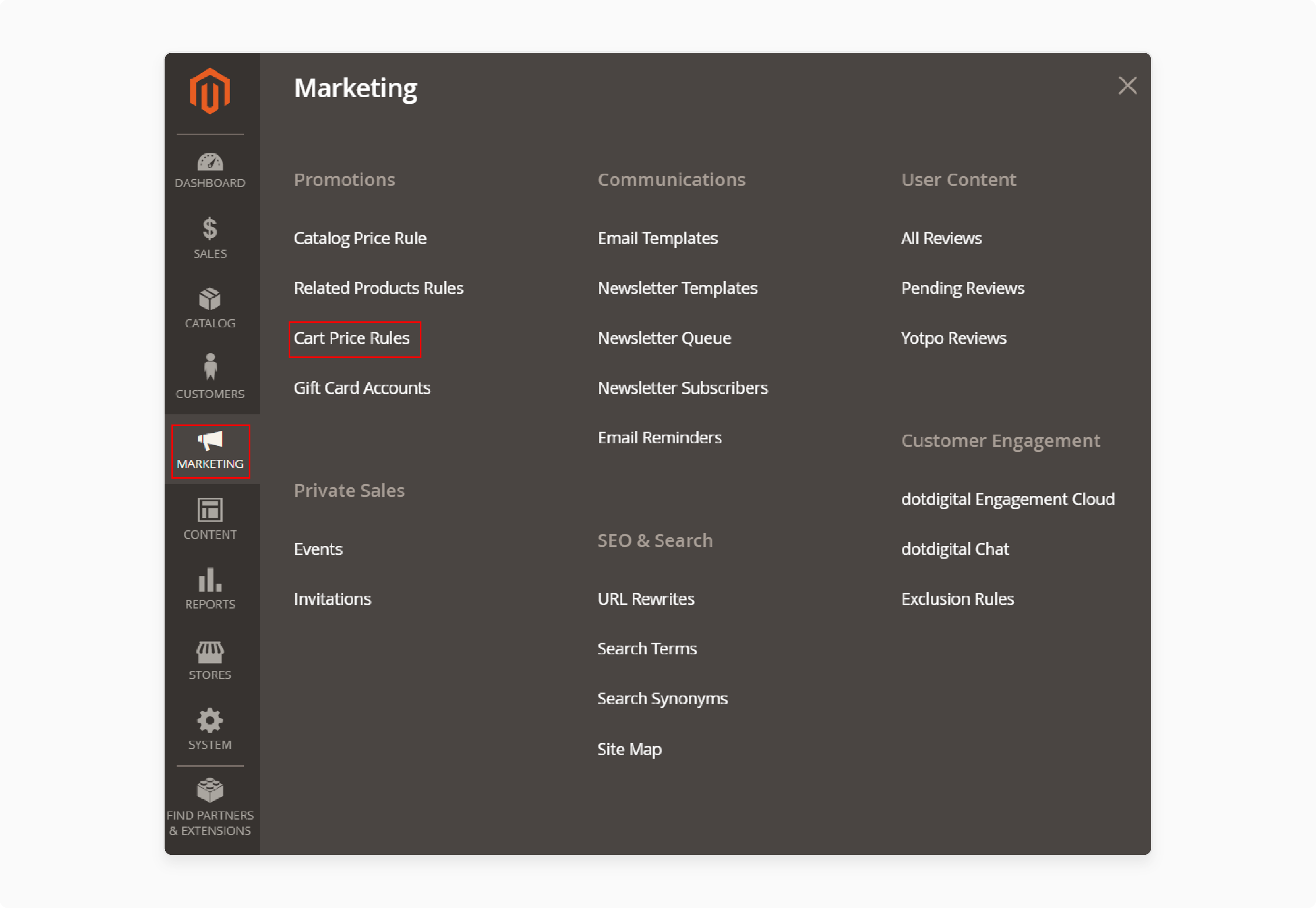
Step 1. Navigate to Cart Price Rules
In the Magento admin, go to Marketing > Promotions > Cart Price Rules. This area lists all existing cart-level promotions.
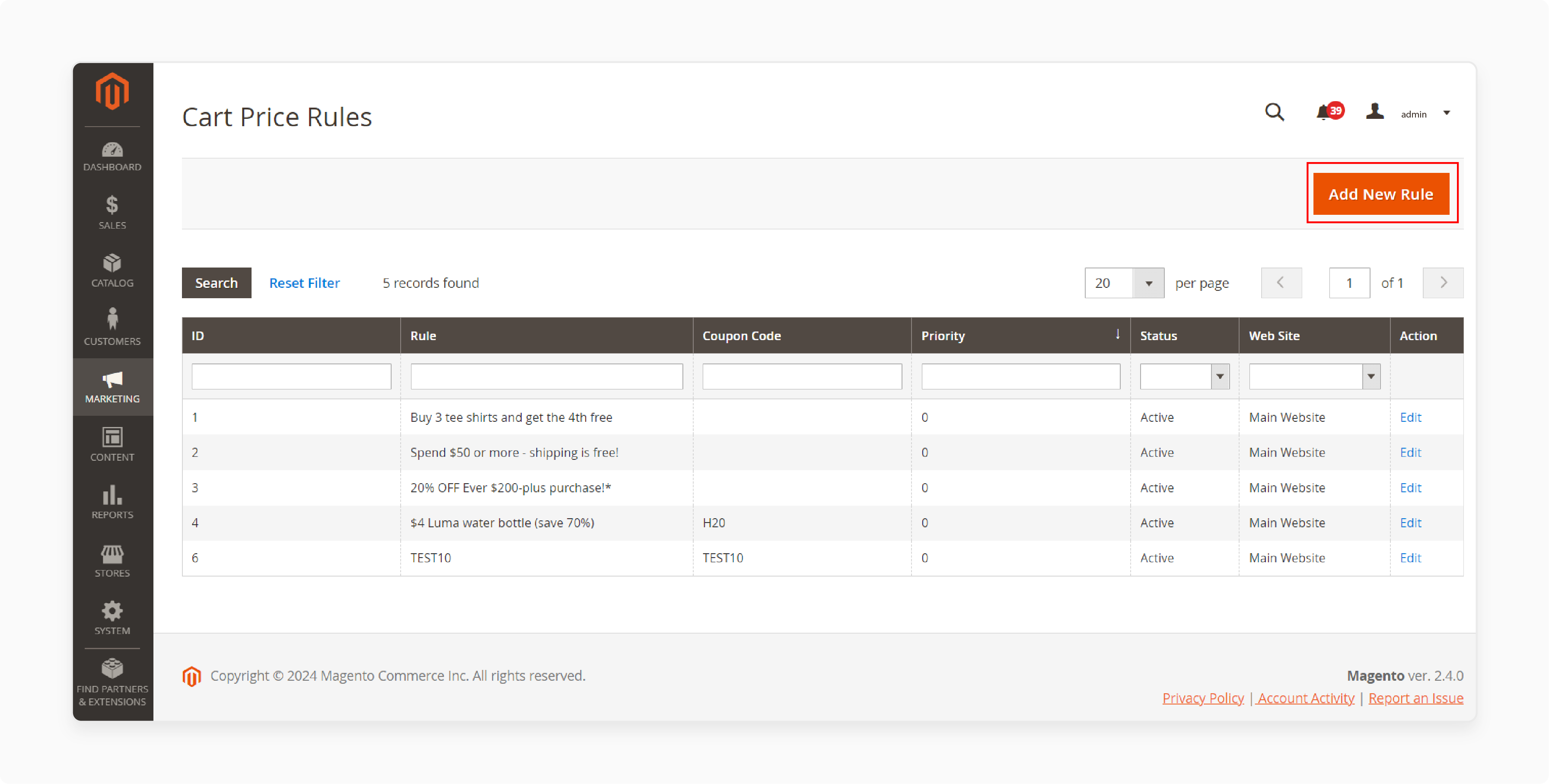
Step 2. Create a New Rule
Click Add New Rule. This opens the configuration page where you define all aspects of the promotion.
Step 3. Define Rule Information
Expand the Rule Information section.
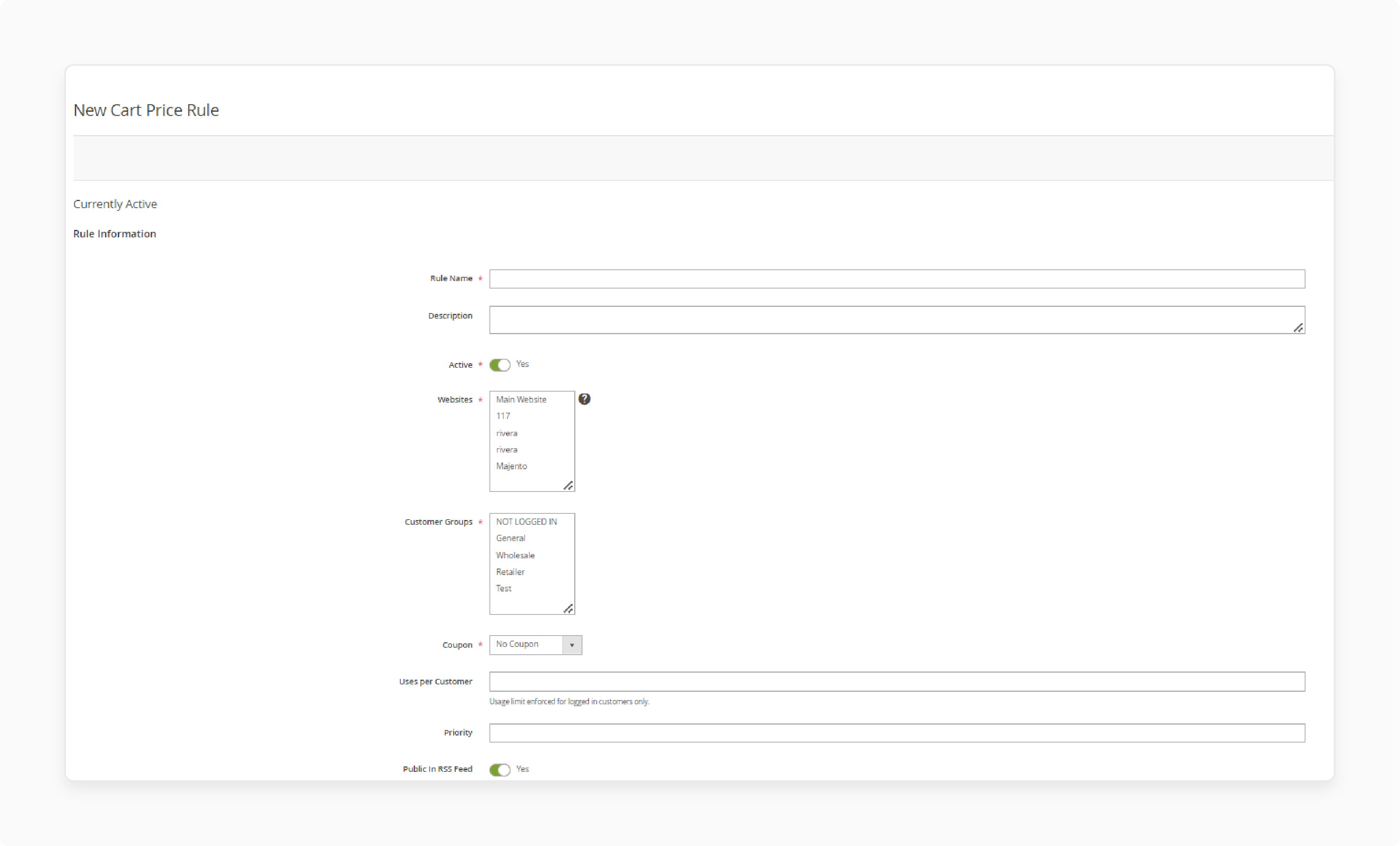
- Enter a descriptive Rule Name (e.g., "Buy One T-Shirt Get One Free").
- Add a Description to explain the rule's purpose.
- Set Active to "Yes."
- Assign the rule to the correct Websites and Customer Groups.
- Set a Priority number. Lower numbers run first.
Step 4. Set the Conditions
Expand the Conditions section. This determines when the rule triggers.
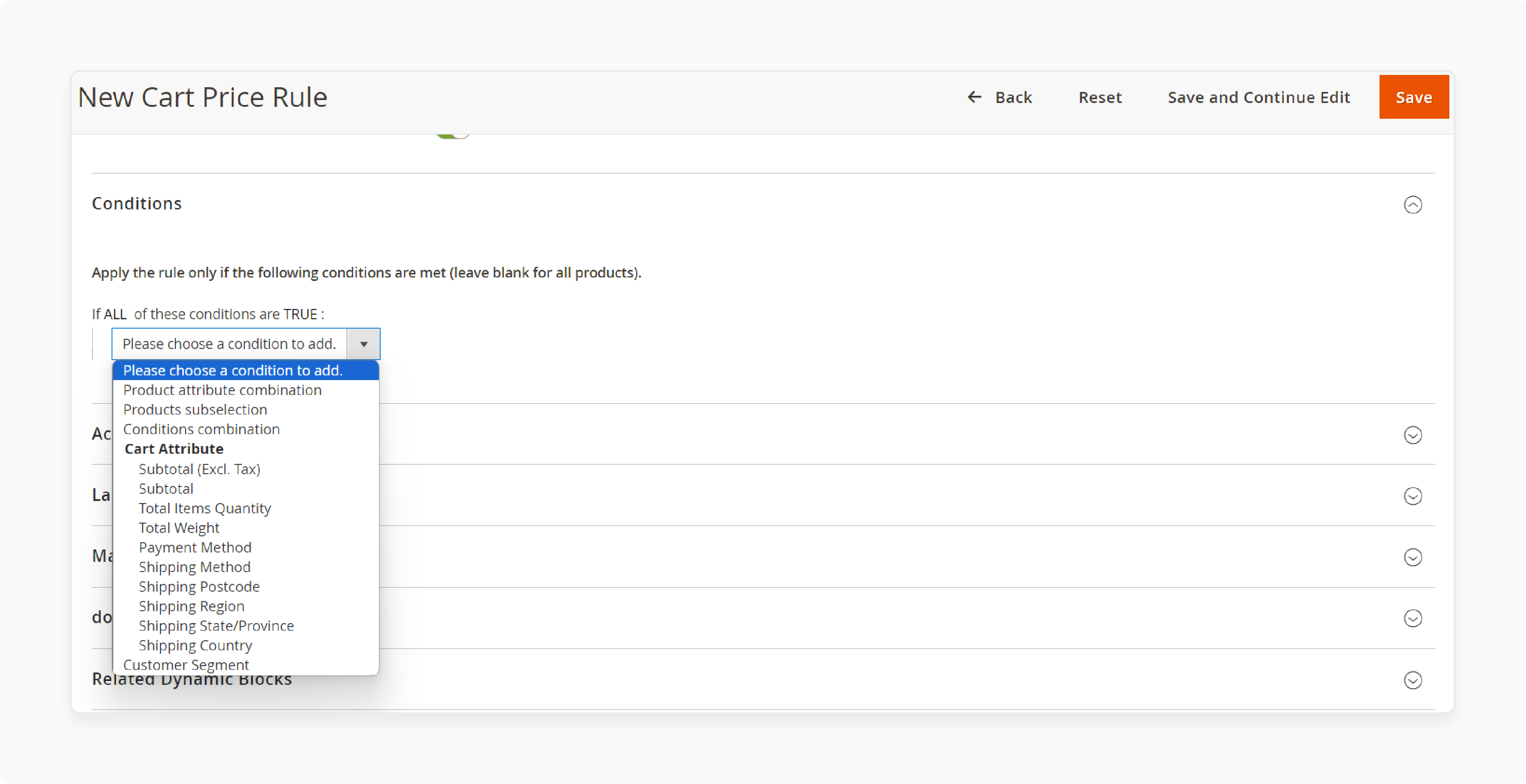
- Leave conditions blank to apply the rule to all products.
- To target specific items, add a condition using the plus icon.
- Choose an attribute like SKU or Category from the dropdown.
Step 5. Configure the Actions
The Actions section is the core of the setup.
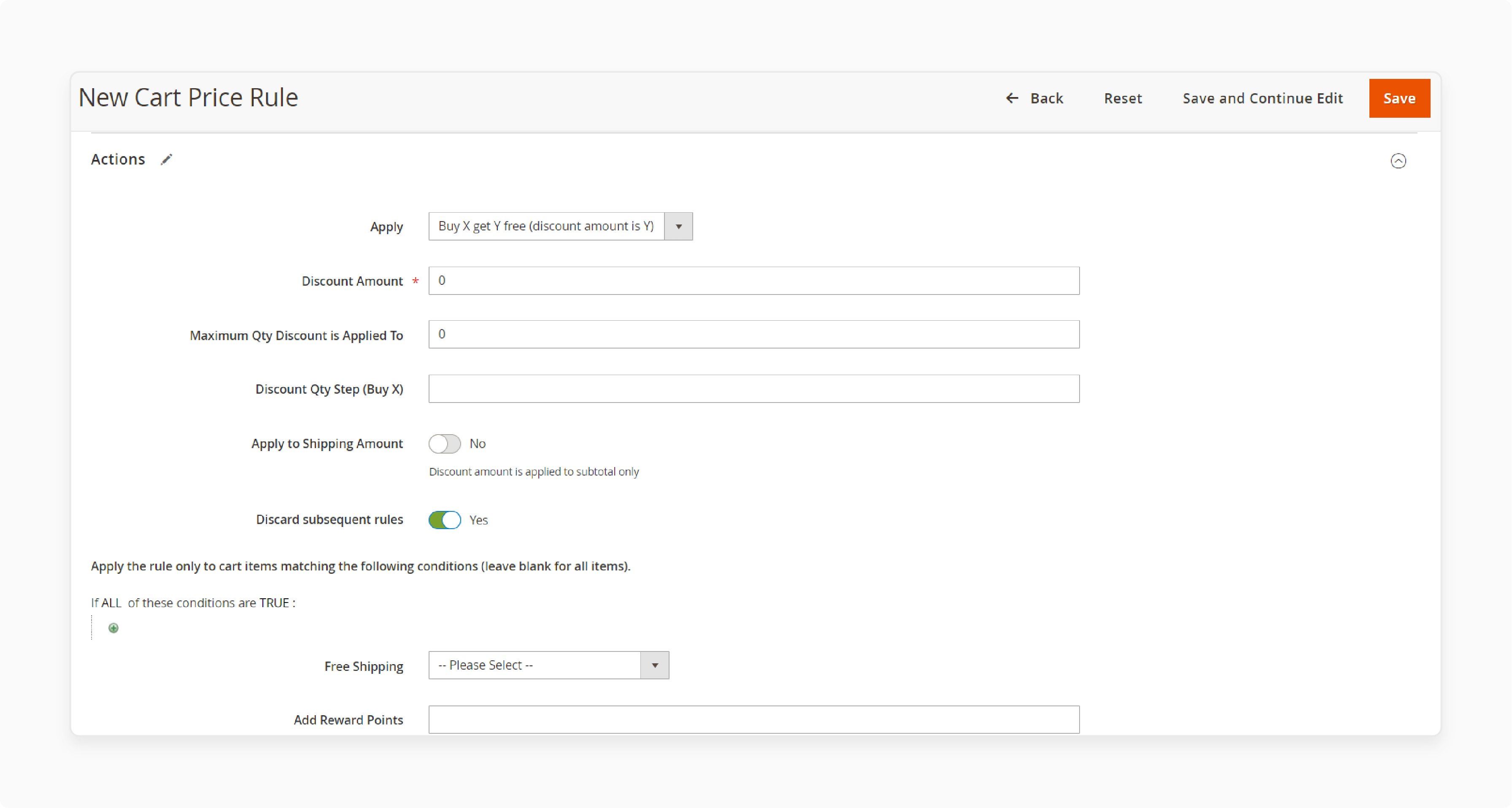
In the Apply dropdown, select Buy X get Y free. This reveals the specific fields for this promotion type.
Step 6. Define Action Details
-
Discount Amount (Y): Enter the quantity of the free item. For "get one free," enter
1. -
Discount Qty Step (Buy X): Enter the required purchase quantity. For "buy one," enter
1. - Maximum Qty Discount is Applied To: Limits how many free items a customer can receive. Use the formula from the Backend Logic section above.
- Discard Subsequent Rules: Set to "Yes" to prevent this rule from stacking with other promotions.
Step 7. Target Specific Products
Under the Actions condition builder, define which products qualify:
- Use SKU conditions for precise targeting.
- Use Category conditions for broader promotions.
- For cross-product promotions (buy product A, get product B free), set the SKU condition here to target the "Y" product.
Step 8. Save and Test
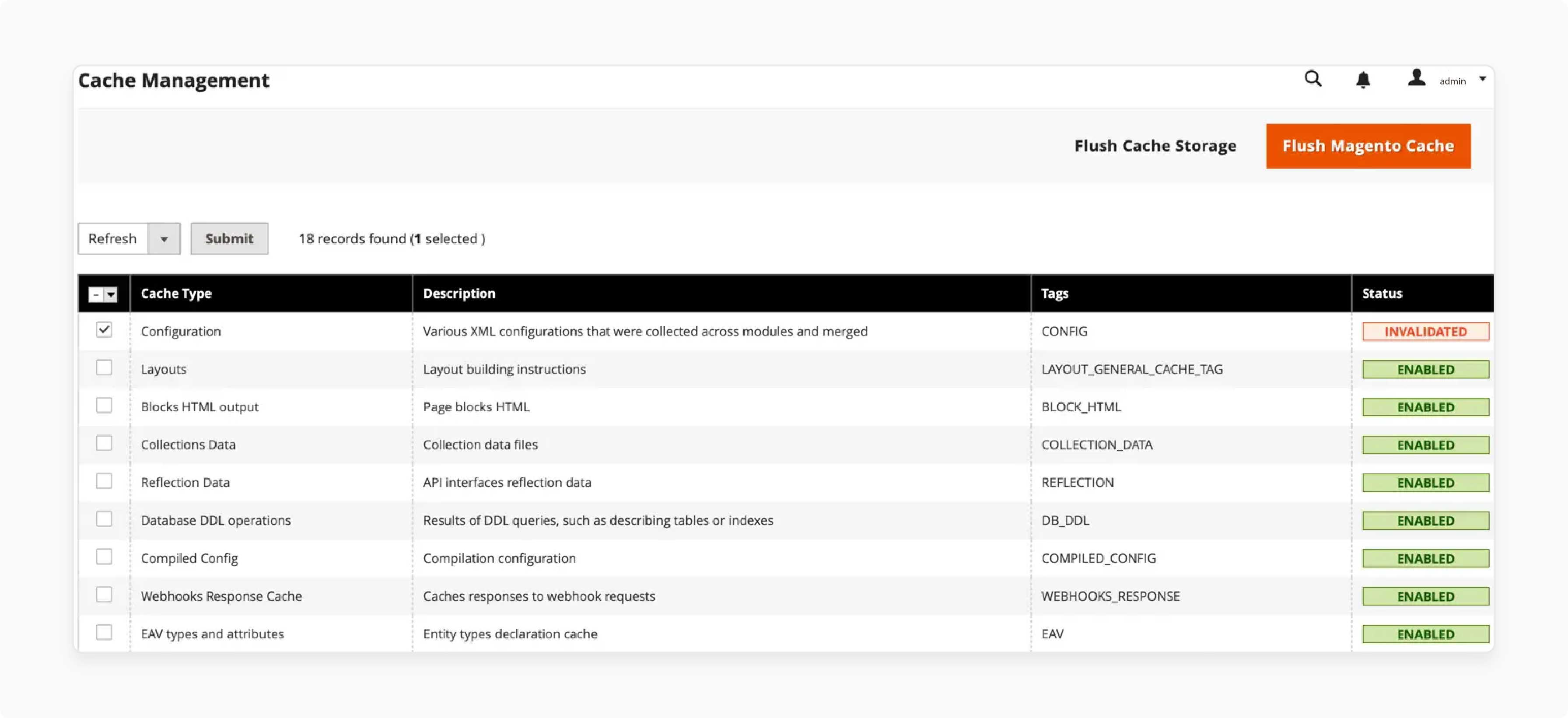
Click Save. Then clear the Magento cache under System > Cache Management.
Test the promotion on the storefront. Add the qualifying items to the cart and verify the discount applies.
Note: Cart price rules can take up to an hour to propagate. If the rule does not apply right away, wait and test again after clearing the cache. For configurable products, each variant (size, color) counts as a separate item in the quantity calculation.
Use Case Examples
1. Fashion Retail: Buy a Shirt, Get a Tie Free
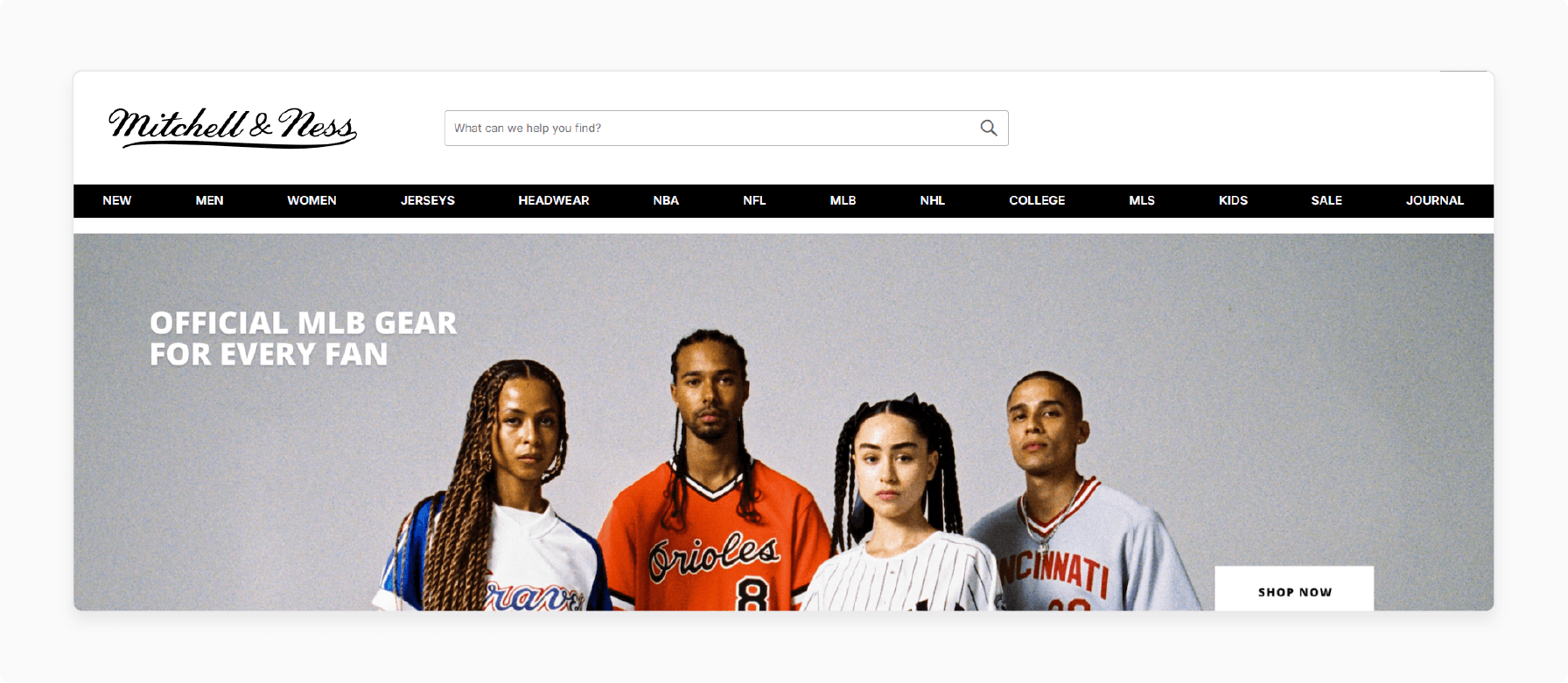
Mitchell and Ness increases accessory sales with a "Buy a Shirt, Get a Tie Free" promotion. Customers purchase a specific shirt SKU and receive a specific tie SKU for free. This cross-selling tactic requires setting SKU conditions in the Actions tab to target different products.
2. Electronics: Buy a Soundbar, Get Aux Cables Free
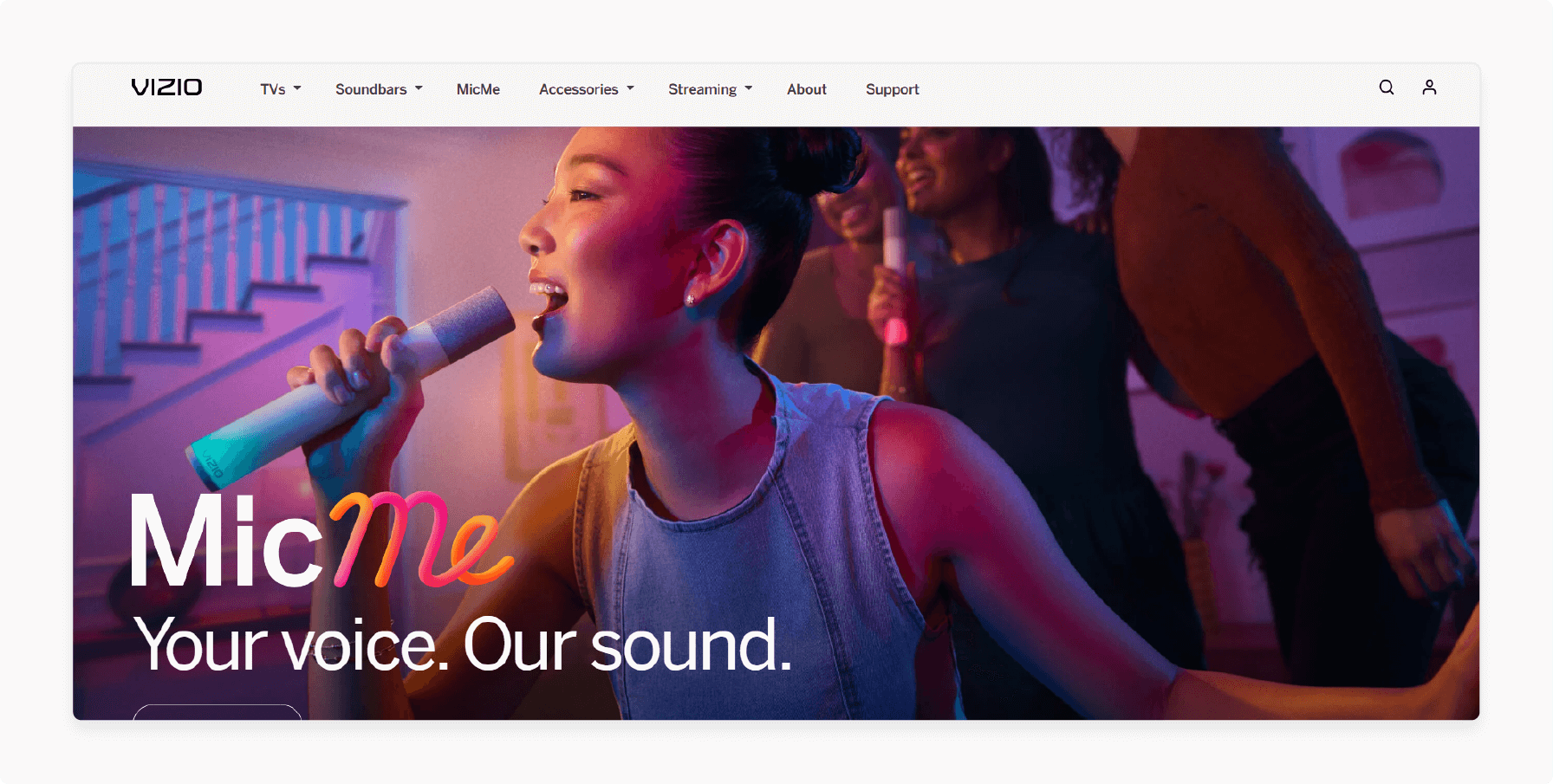
Vizio bundles items with this rule. A "Buy a Soundbar, Get Aux Cables Free" offer attaches an essential accessory. This adds value for the customer and moves related inventory. Configure SKU conditions to link the soundbar and cable SKUs.
3. Beauty Products: Buy Two Lipsticks, Get One Free
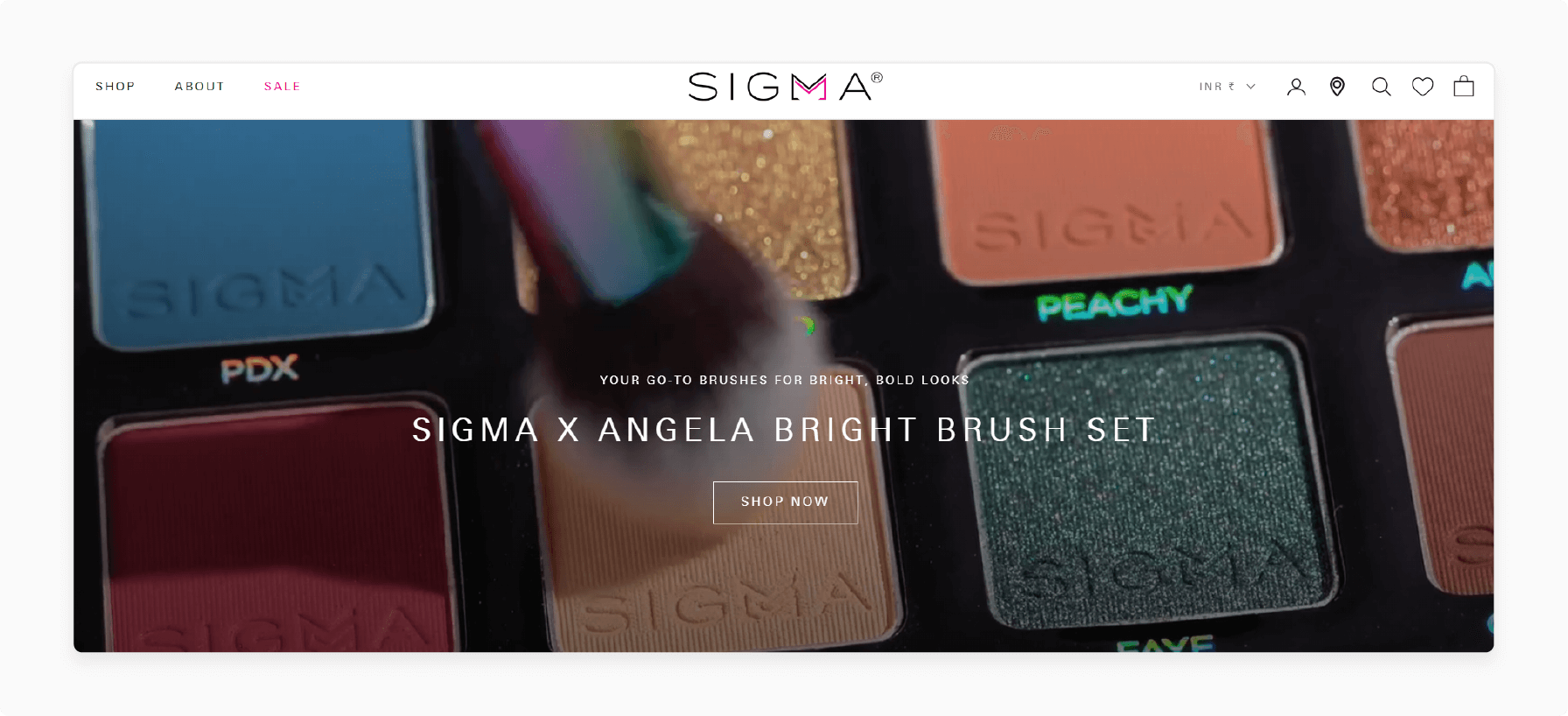
Cosmetic stores like Sigma Beauty drive volume sales with this approach. When a customer adds three lipsticks to the cart, the system makes one free. This works with the same SKU (same shade) or with category conditions (any lipstick in the category). Customers stock up on favorites or try new colors.
4. Food and Beverage: Buy a Pack, Get a Bottle Free
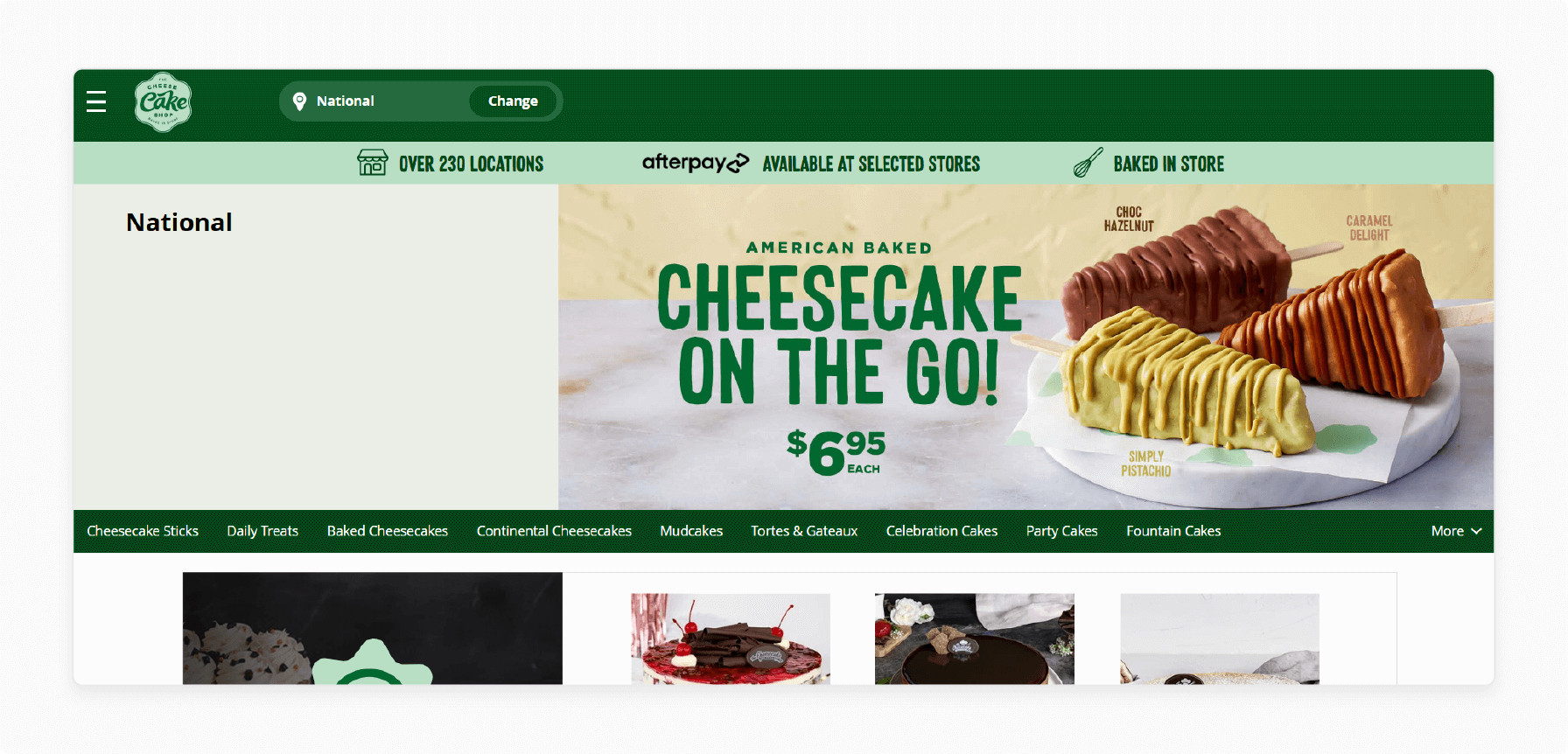
Cheesecake Australia promotes bulk purchases with "Buy a Pack of Cheesecakes, Get an Extra Bottle Free." This motivates customers to purchase larger quantities. The free bottle acts as a bonus for the bulk order, increasing the total sale.
5. Book Store: Buy Two Sci-Fi Novels, Get One Free
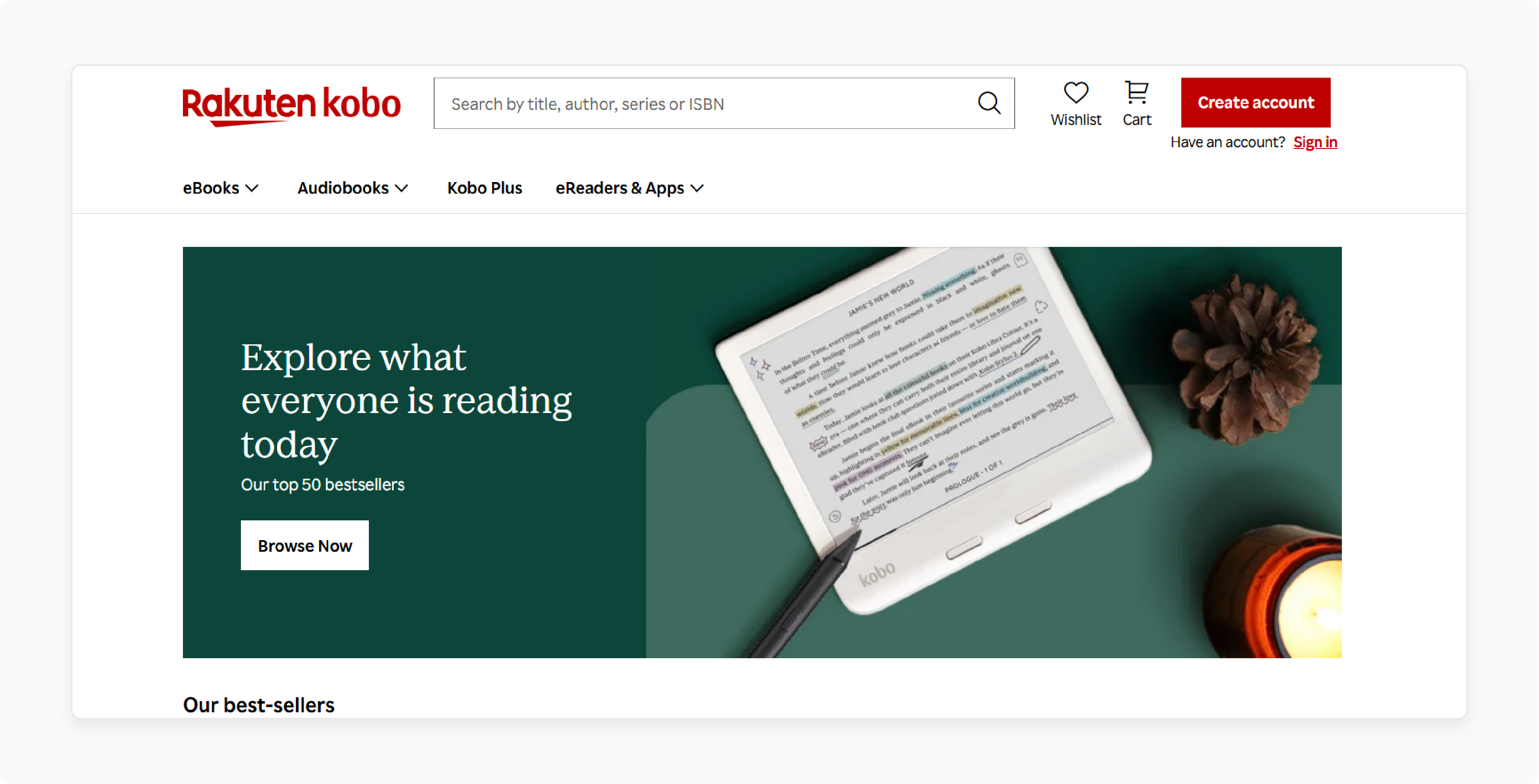
Stores like Kobo.com set up genre-specific offers. "Buy Two Science Fiction Ebooks, Get a Third Free." The rule conditions target the "Science Fiction" category. This encourages fans to explore more titles and helps clear category stock.
6. Clearing Stock: Buy a Winter Coat, Get Gloves Free
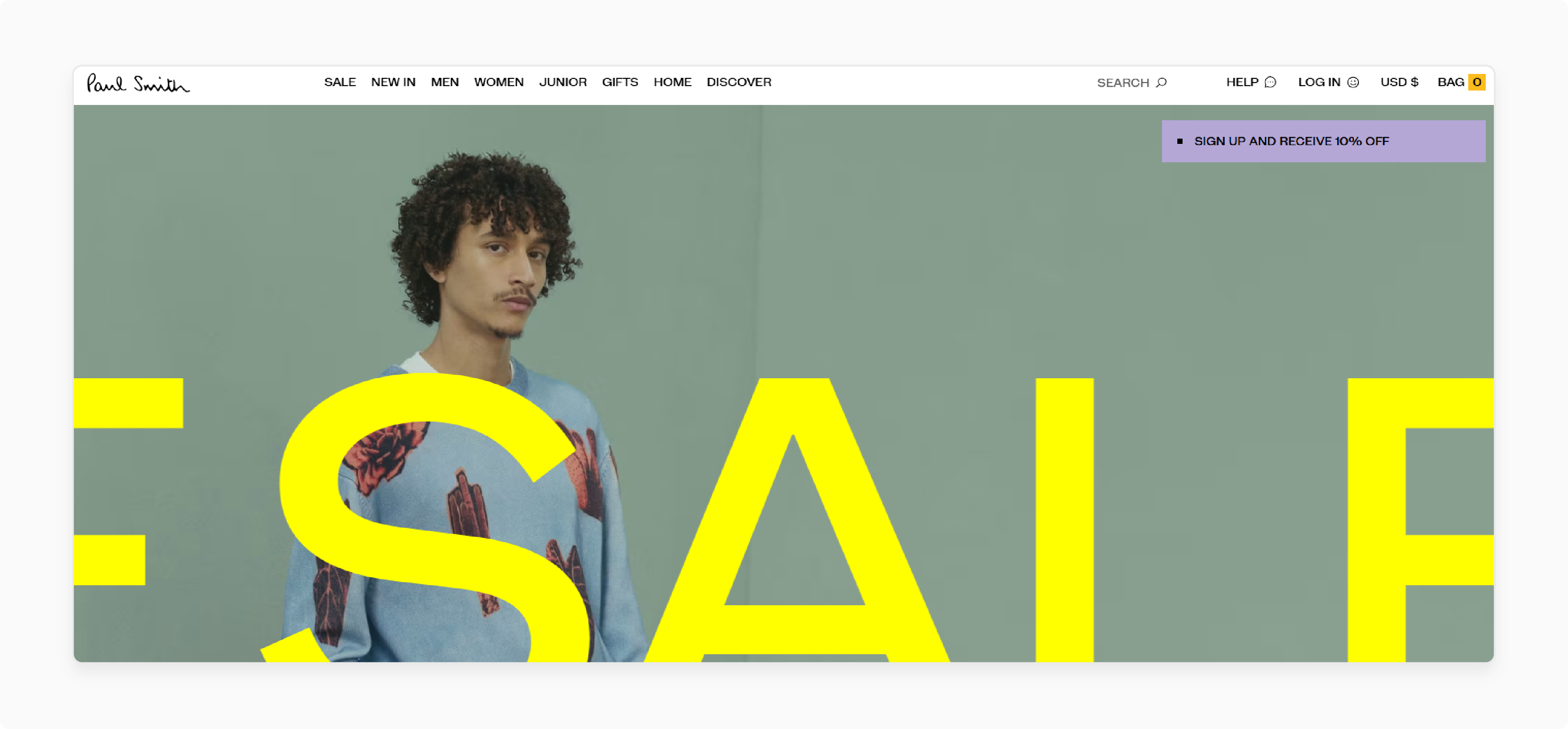
Brands like Paul Smith use "Buy a Winter Coat, Get Gloves Free" to clear end-of-season items. The free gloves add extra value for the shopper while avoiding deep discounts on the coat itself.
FAQs
1. Can I use different products for X and Y?
The native rule processes discounts on row totals, so X and Y default to the same SKU. To use different products, add SKU conditions in the Actions tab to target the specific "Y" product. For complex cross-product promotions, consider a third-party promotions extension.
2. What happens if the free "Y" item is out of stock?
The cart price rule will not trigger as intended. Magento cannot add an out-of-stock item to carts. Monitor inventory levels on free items to avoid customer frustration.
3. Can I schedule a "Buy X Get Y" promotion?
Yes. Set a start date and end date in the Rule Information section. The promotion activates and deactivates on schedule. This automates your marketing calendar.
4. Can I restrict this offer with a coupon code?
Select "Specific Coupon" in the Coupon field. The customer must enter the code for the discount to apply. This creates exclusive offers for targeted audiences.
5. How does this promotion interact with taxes?
Magento calculates taxes based on the discounted price. The free item has a zero-value subtotal. No tax applies to the free "Y" product. Tax settings for the "X" item remain unchanged.
6. Why is my Buy X Get Y rule not working?
Common causes include: cache not flushed, conditions too restrictive, wrong Apply type selected, or the rule not assigned to the correct website and customer group. Clear the cache first and verify each setting.
7. Can the rule apply to configurable, virtual, or downloadable products?
Yes. Magento applies the "Buy X Get Y Free" rule to all product types, including configurable, virtual, and downloadable goods. For configurable products, each variant (size, color) is counted as a separate item in the quantity calculation. Set conditions to target specific product SKUs or categories.
8. How do returns work with promotional items?
The store's return policy dictates the process. Customers must return the free "Y" item when returning the paid "X" item. Define this in your return policy to prevent abuse.
Summary
The Buy X Get Y Free cart price rule helps Magento merchants increase average order values, clear excess inventory, and build customer loyalty.
Key setup points:
- Navigate to Marketing > Cart Price Rules and select the Buy X get Y free action type.
- The native rule works on row totals (same SKU by default). Use SKU conditions in the Actions tab for cross-product promotions.
- Use the Maximum Qty Discount formula
(X+Y) * (M/Y)to control free item limits. - Set Discard Subsequent Rules to "Yes" to prevent discount stacking.
- Always flush the cache and test on the storefront before going live.
Looking for fast, reliable hosting for your Magento store? MGT Commerce managed Magento hosting gives you the server performance your promotions need.
