How to Set Up Magento 2 Force Sign In (7 Extensions Compared)
[Updated: March 18, 2026]
Guest visitors browsing your B2B catalog means competitors see your pricing. Force sign in for Magento 2 locks your store behind a login wall so only registered customers access products, categories, and checkout.
This guide compares 7 force login extensions with current pricing, Hyva compatibility, and a free open source alternative.
Key Takeaways
-
Force sign in protects B2B pricing, wholesale catalogs, and sensitive store data from unauthorized access.
-
Seven extensions compete in this space. Pricing ranges from free (bitExpert) to $199 (Landofcoder).
-
MageComp offers the best value with Hyva support, REST API, and GraphQL for $39.
-
bitExpert provides a free, open source force login module with Hyva compatibility and whitelist management.
-
All extensions support Magento 2.4.8 and offer page-level access control with custom redirects.
What Is Magento 2 Force Sign In?
Magento 2 Force Sign In = An extension that requires visitors to log in or register before viewing store pages. Protects sensitive content and builds a registered customer database.
Perfect for: B2B wholesale stores, membership sites, stores with exclusive pricing, businesses requiring customer data before purchase.
Not ideal for: B2C stores needing maximum organic traffic, stores where SEO discovery is the main acquisition channel.
Magento 2 does not include force login in its core features. Third-party extensions fill this gap by intercepting page requests and redirecting unauthorized visitors to the login or registration page.
Store owners control which pages require authentication. Options range from full-site lockdown to selective restrictions on product pages, categories, CMS pages, or checkout. Most extensions also support customer group based access rules, letting different groups see different content.
When You Need Force Sign In
Force login solves four distinct business problems.
B2B and Wholesale Protection
B2B stores display negotiated pricing, volume discounts, and exclusive catalogs. Without login walls, competitors and unauthorized visitors see this data. Force sign in ensures only approved business customers access your catalog. Adobe Commerce includes built-in B2B capabilities, but Open Source requires an extension for access control.
Membership and Subscription Sites
Stores selling premium content, exclusive products, or membership access need gated entry. Force login creates the authentication layer that separates public pages from member content.
Regulatory Compliance
Industries selling age-restricted, regulated, or region-specific products must verify customer identity before showing certain content. Extensions like Mageplaza combine force login with age verification to meet these requirements.
Customer Data Collection
Requiring registration before browsing builds your customer database from the first interaction. Every visitor becomes a trackable lead with email, name, and browsing behavior data.
7 Best Magento 2 Force Sign In Extensions (2026)
Pricing Overview
| Extension | CE Price | EE/Cloud Price | Hyva | GraphQL | Free Support |
|---|---|---|---|---|---|
| bitExpert | Free | Free | Yes | No | Community |
| MageComp | $39 | $188 | Yes | $49 addon | 1 year |
| MageAnts | $59 | $159 | $99 addon | No | 3 months |
| FME Extensions | $69.99 | $149.99 | Yes | Yes | 1 year |
| BSS Commerce | $79 | $178 | Yes | Yes | 6 months |
| Mageplaza | $99 | $99 | Yes | No | 1 year |
| Landofcoder | $199 | $199 | No | No | 12 months |
Prices verified March 2026. Check vendor pages for current promotions.
1. bitExpert Force Login (Free, Open Source)
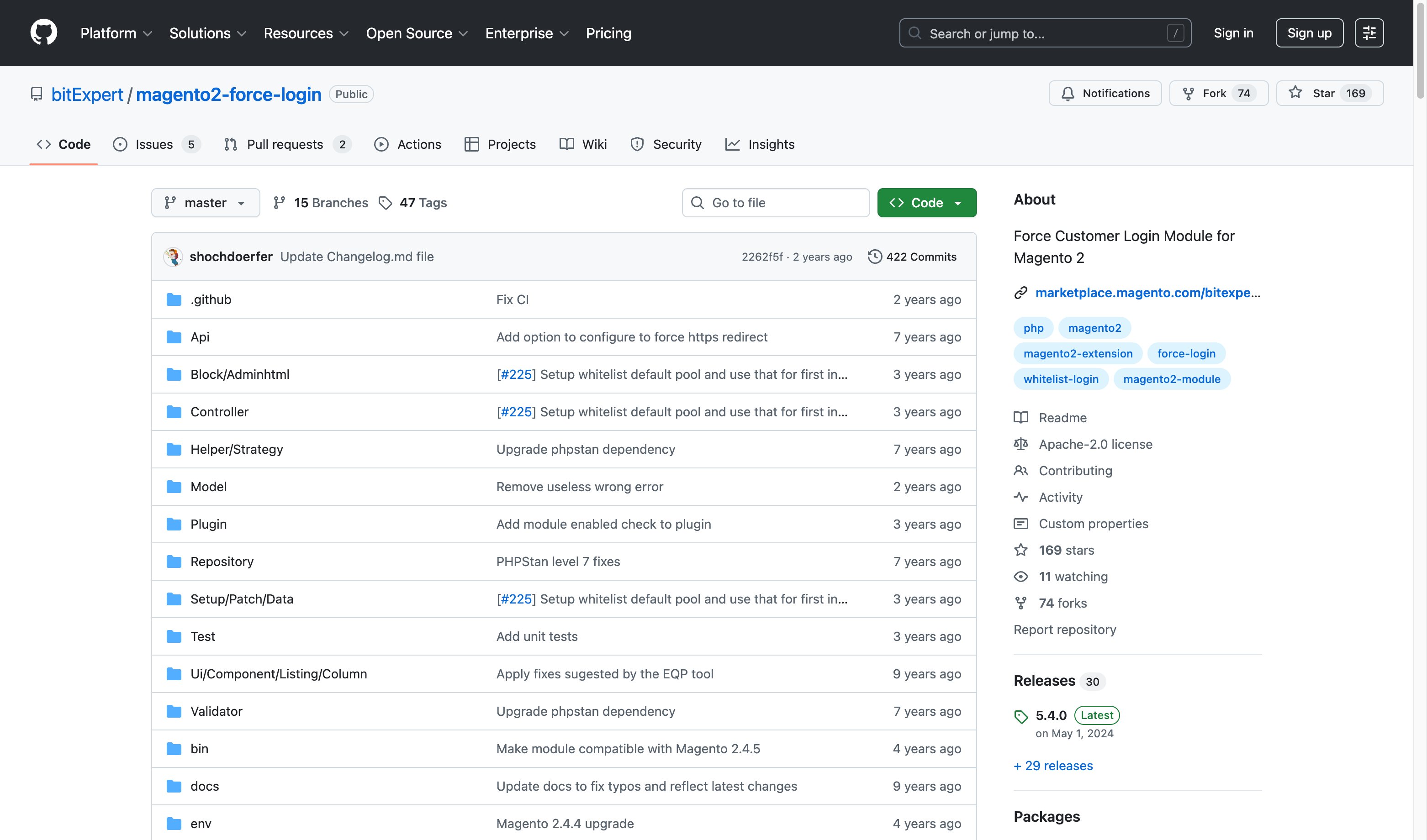
The only free option in this space. Released under the Apache 2.0 license, bitExpert's module covers the core force login workflow: redirect guests to the login page, manage URL whitelist rules through the admin backend, and apply rules per store view. Compatible with Magento 2.4.0+ and Hyva themes. Install via Composer: composer require bitexpert/magento2-force-customer-login. No REST or GraphQL API support.
2. MageComp Force Login ($39)
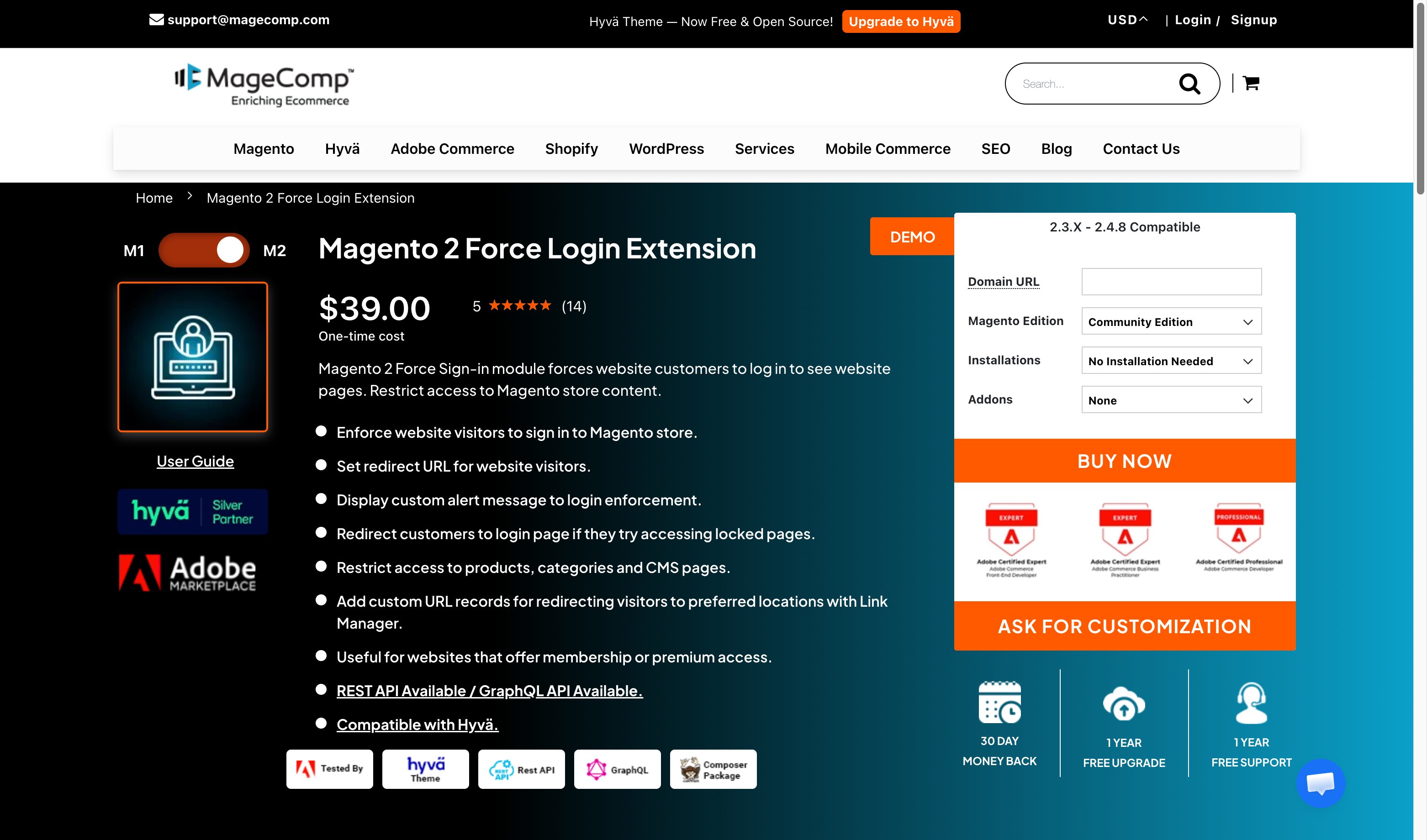
Best value paid option. Includes REST API out of the box, with GraphQL available as a $49 addon. Hyva Silver Partner with full theme compatibility. Supports page-level restrictions (products, categories, CMS, checkout), IP whitelisting, custom alert messages, and post-login redirects. Compatible with Magento 2.3.x through 2.4.8. Adobe Marketplace certified.
3. MageAnts Force Login ($59)
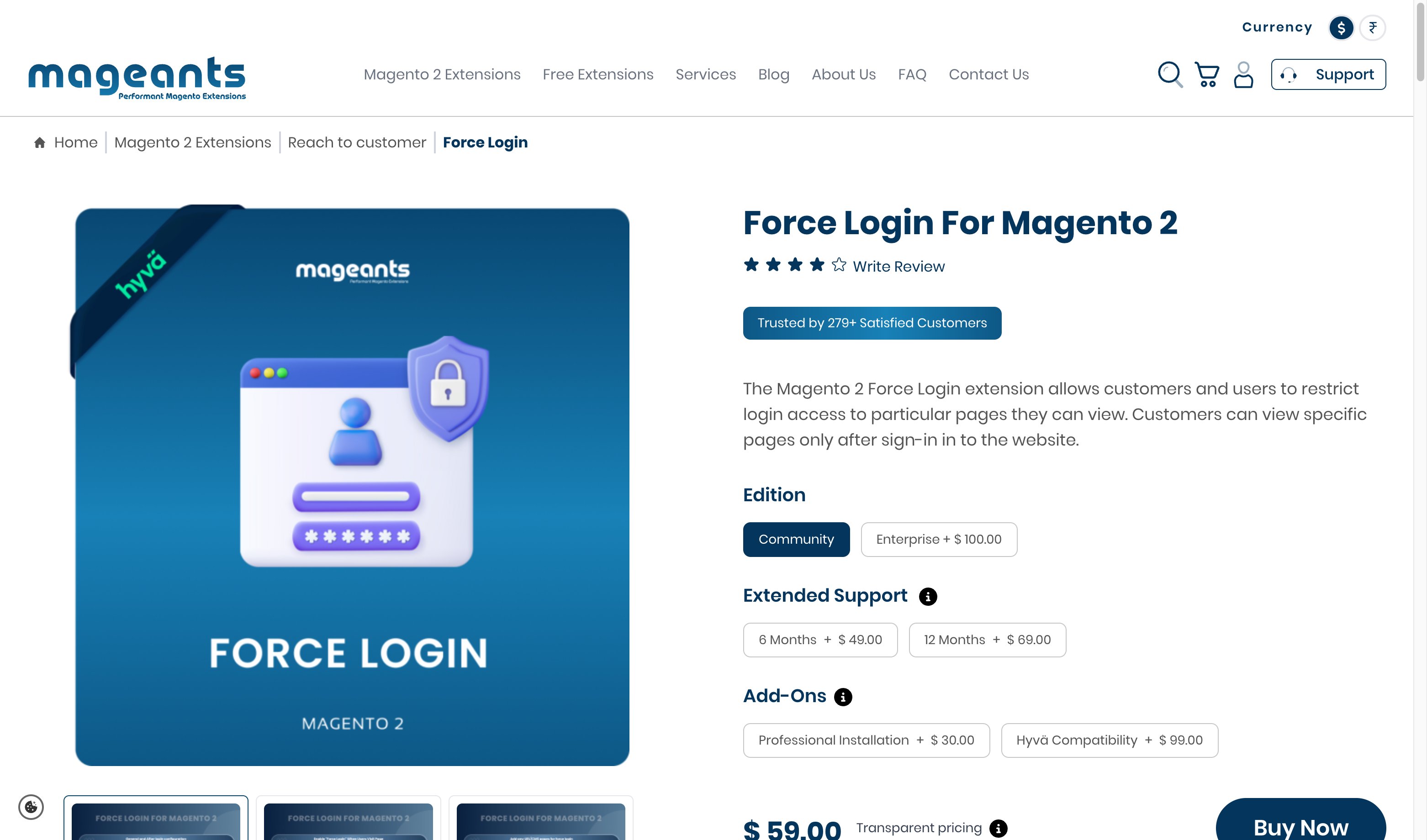
Covers full-site and page-level restrictions with custom error messages and redirect configuration. Supports registration control (disable self-registration). Hyva compatibility available as a $99 paid addon, bringing the total to $158 for Hyva stores. Compatible with Porto and Codazon themes. Works with Magento 2.1 through 2.4.
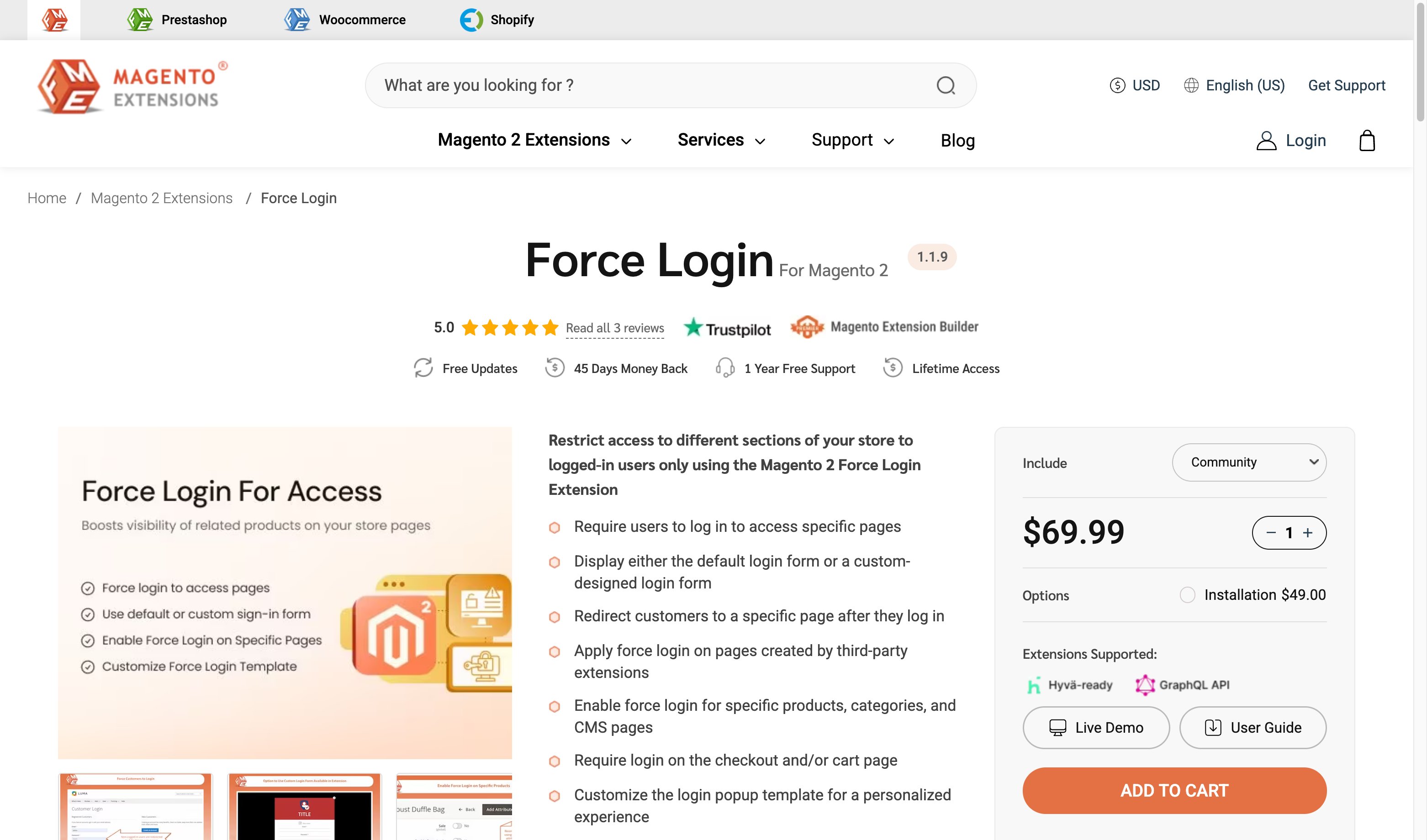
4. FME Extensions Force Login ($69.99)
Stands out with popup login form support. Visitors see a customizable login popup instead of a full-page redirect. Configure popup timing and styling. Includes Hyva and GraphQL compatibility built in, no addons needed. Compatible with third-party extension pages. Supports Magento 2.1.x through 2.4.8.
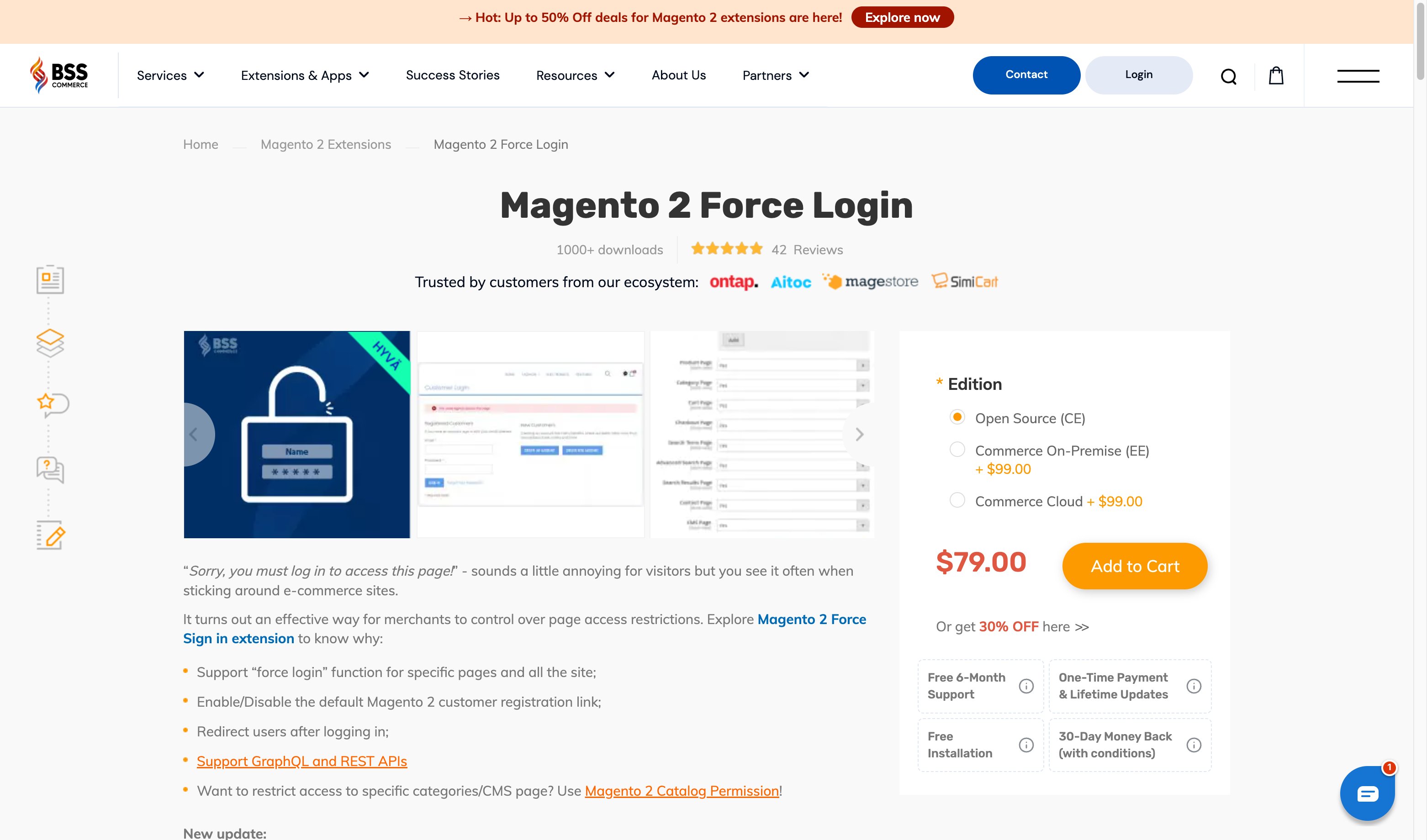
5. BSS Commerce Force Login ($79)
BSS Commerce offers a mature force login extension with 1000+ downloads and 42 reviews. Their extension supports GraphQL and REST APIs, registration control, and flexible redirects. EE/Cloud edition available for $178. Compatible with Magento 2.3.x through 2.4.x. BSS also maintains one of the most comprehensive comparison resources for force login extensions (9+ vendors reviewed).
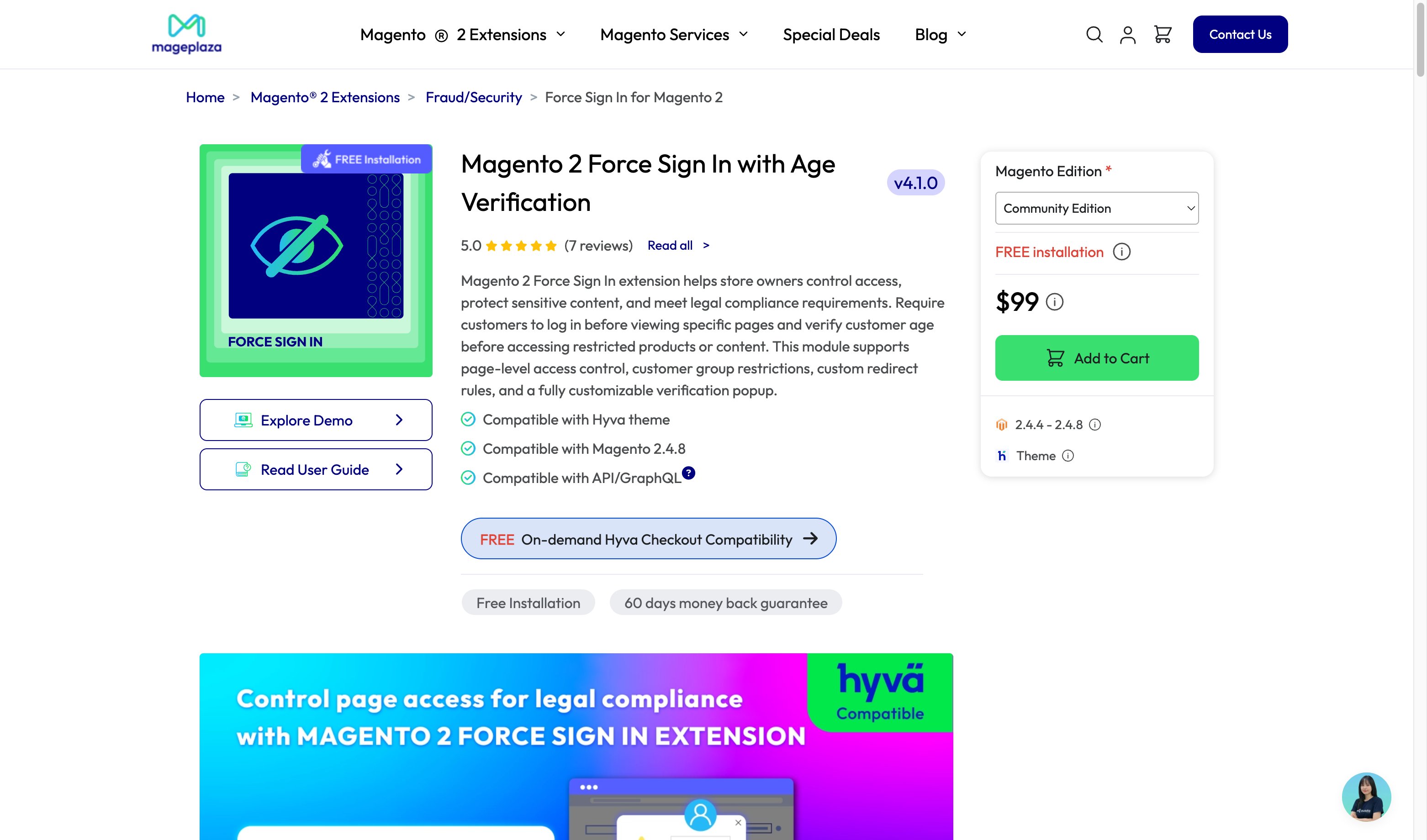
6. Mageplaza Required Login ($99)
The only extension with built-in age verification. Combines force login with age-check popups for regulated products. Supports page-level access control, customer group restrictions, and customizable verification popups. Compatible with Magento 2.4.4 through 2.4.8 and Hyva themes.
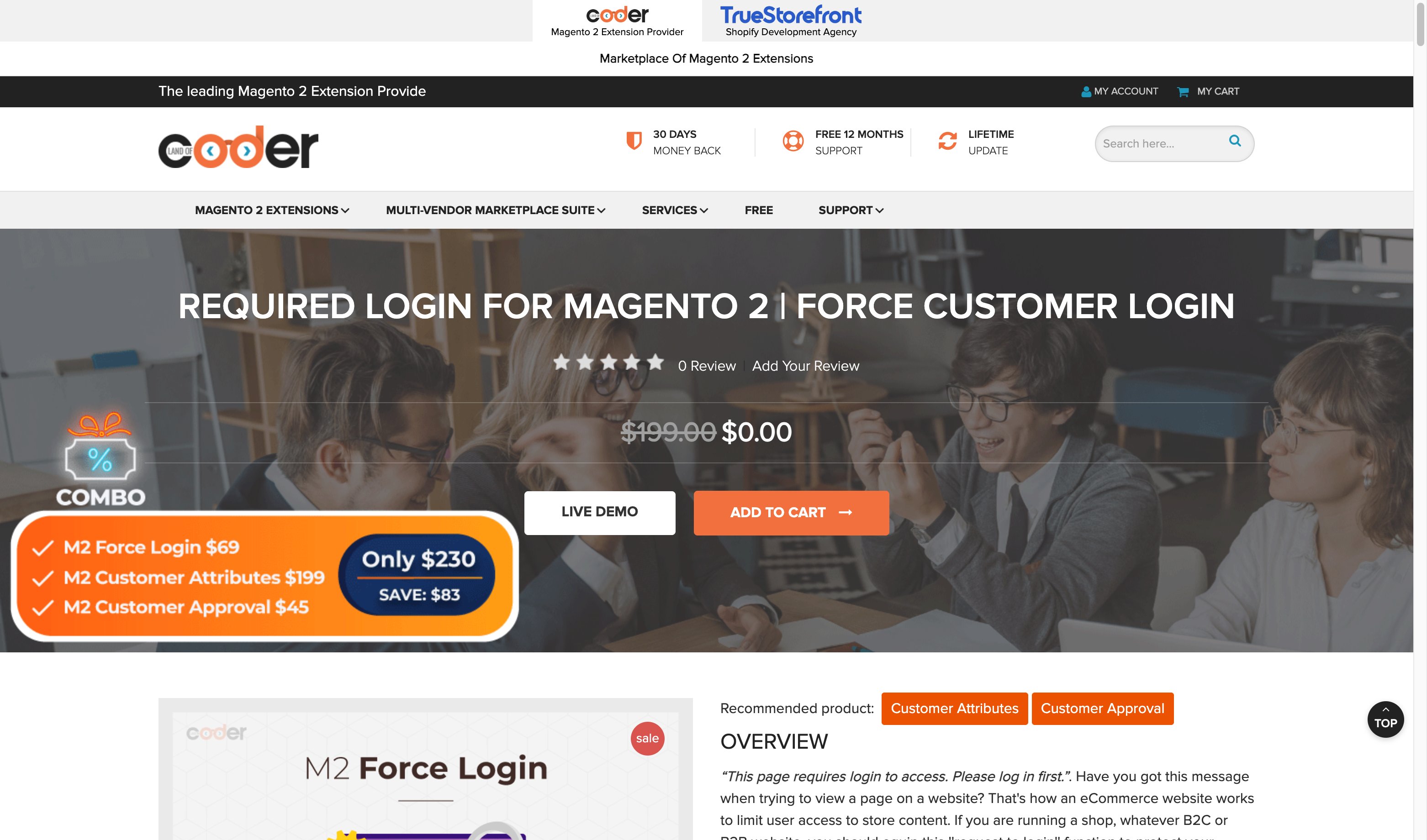
7. Landofcoder Force Login ($199)
Positioned as a B2B solution. Restricts access to products, categories, checkout, search, and CMS pages. Supports URL string matching for include/exclude patterns. Offers lifetime updates and 12-month support. Compatible with Magento 2.3.x and 2.4.x. No Hyva or GraphQL support. Check their site for current promotions.
Feature Comparison
| Feature | bitExpert | MageComp | MageAnts | FME | BSS | Mageplaza | Landofcoder |
|---|---|---|---|---|---|---|---|
| Restrict all pages | Yes | Yes | Yes | Yes | Yes | Yes | Yes |
| Restrict specific pages | Yes | Yes | Yes | Yes | Yes | Yes | Yes |
| Disable registration | No | Yes | Yes | No | Yes | No | Yes |
| Redirect after login | Yes | Yes | Yes | Yes | Yes | Yes | Yes |
| Custom login popup | No | No | No | Yes | No | No | No |
| Age verification | No | No | No | No | No | Yes | No |
| IP whitelisting | No | Yes | No | No | No | No | No |
| URL whitelisting (GUI) | Yes | Yes | Yes | Yes | Yes | Yes | Yes |
| REST API | No | Yes | No | No | Yes | No | No |
| GraphQL | No | Addon | No | Yes | Yes | No | No |
| Hyva compatible | Yes | Yes | Addon | Yes | Yes | Yes | No |
| Customer group rules | No | Yes | No | Yes | Yes | Yes | Yes |
| Multi-store support | Yes | Yes | Yes | Yes | Yes | Yes | Yes |
| Magento 2.4.8 support | Yes | Yes | Yes | Yes | Yes | Yes | Yes |
| Open source | Yes | No | No | No | No | No | No |
How to Install and Configure Force Login
Step 1: Install the Extension
For Composer-based installations (recommended):
composer require [vendor/package-name]
php bin/magento setup:upgrade
php bin/magento setup:di:compile
php bin/magento setup:static-content:deploy
php bin/magento cache:flush
Example for bitExpert (free):
composer require bitexpert/magento2-force-customer-login
For manual installation: download the extension package, extract to app/code/[Vendor]/[Module], then run the setup commands above.
Step 2: Configure Extension Settings
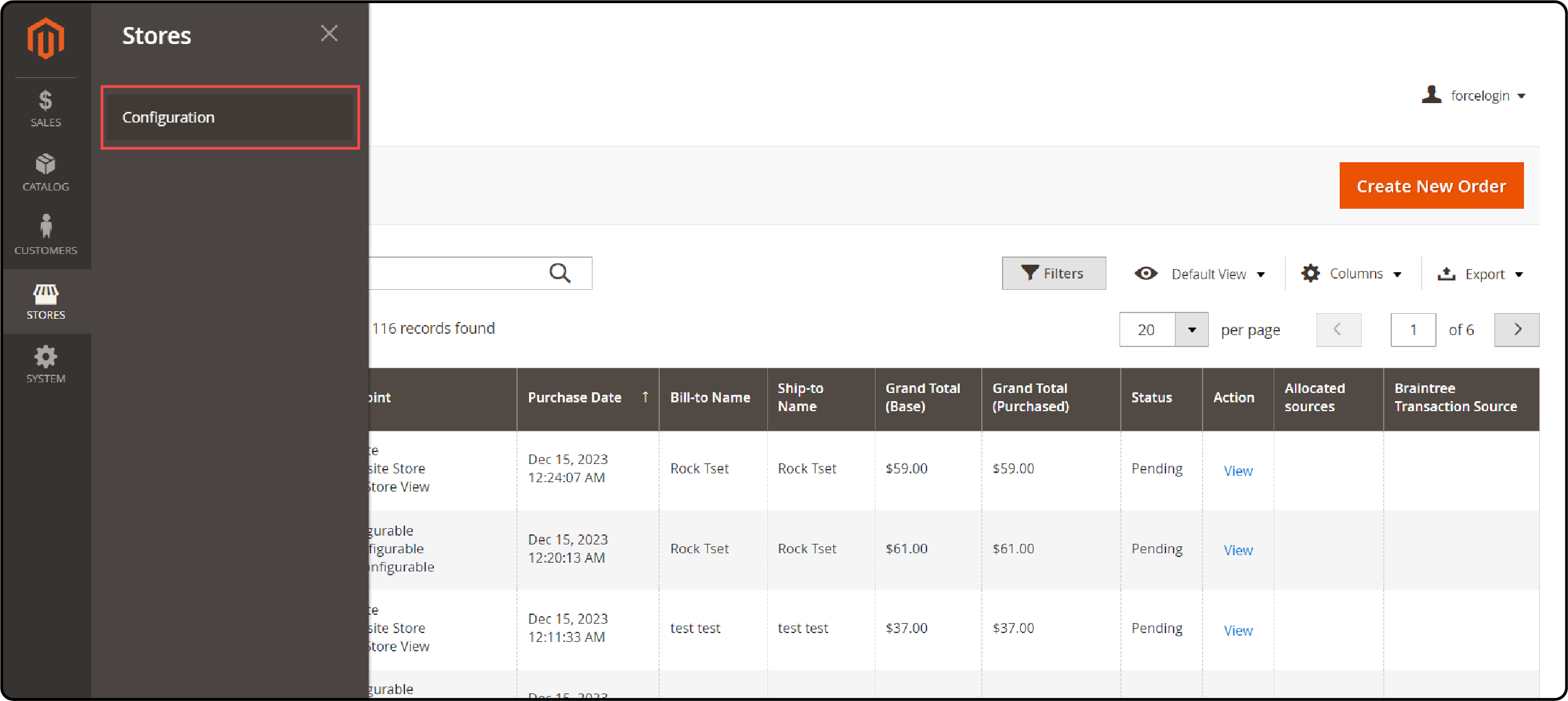
- Log in to the Magento Admin Panel. Navigate to Stores > Configuration > Force Login (exact path varies by extension).
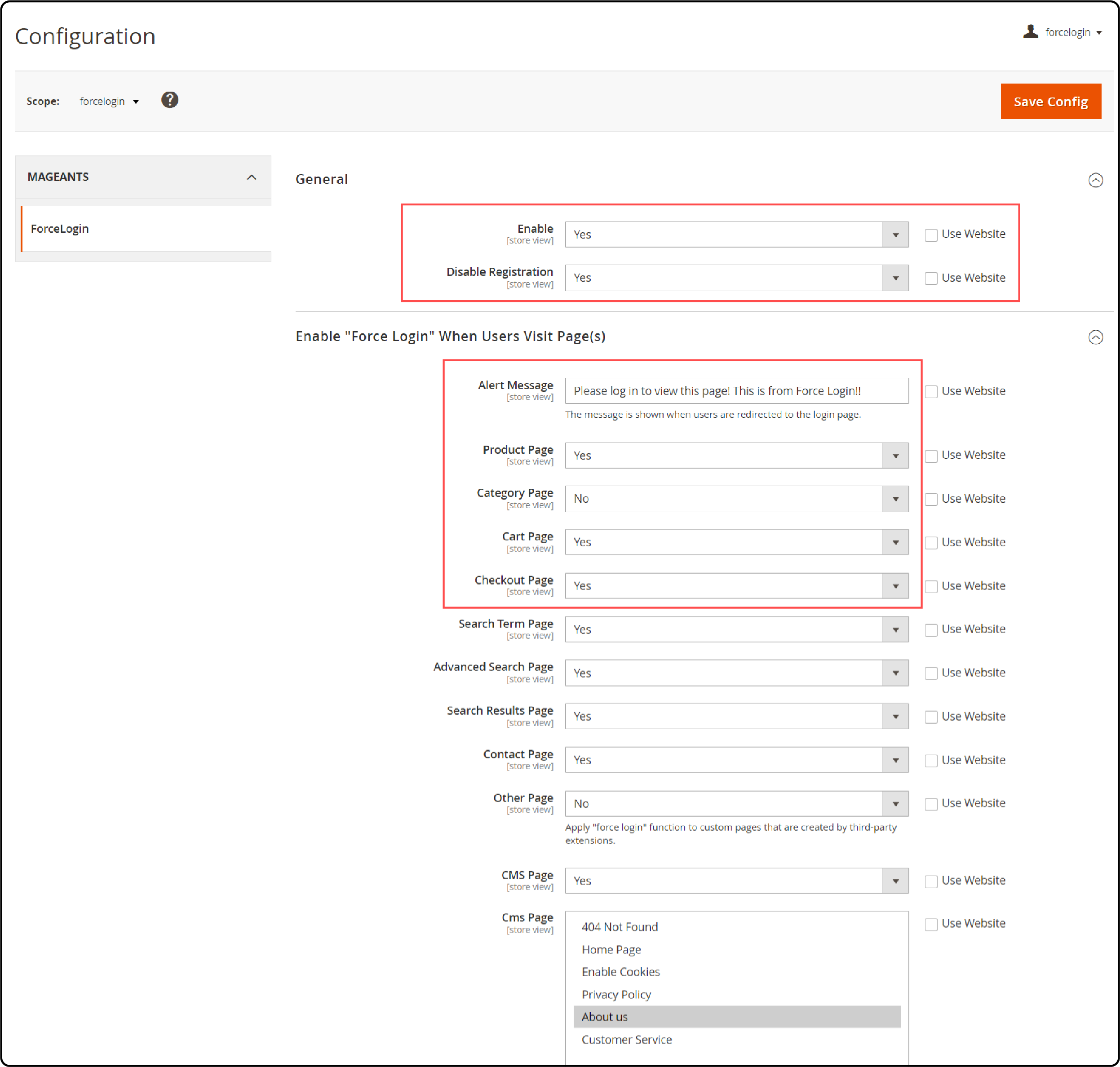
- Enable the extension and set your preferred options.
-
Select which pages require login: product pages, category pages, CMS pages, and checkout.
-
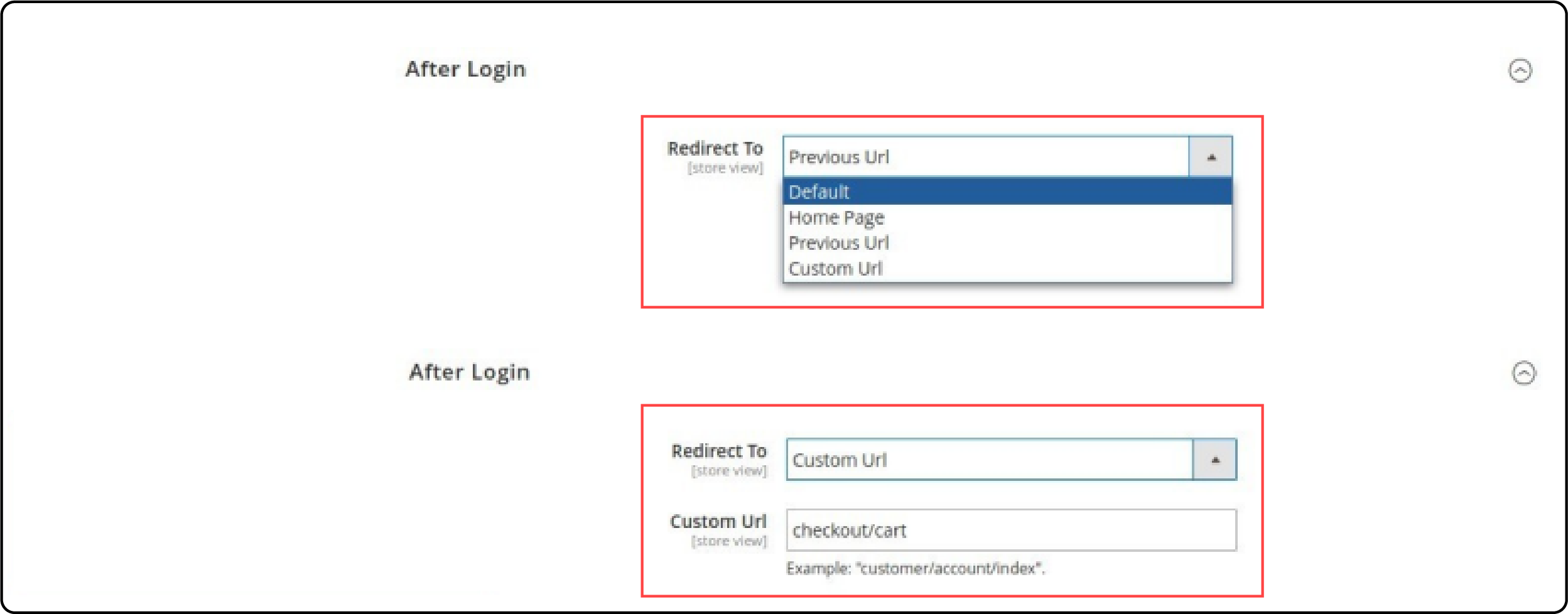
Configure the post-login redirect. Choose from: previous page, homepage, customer dashboard, or custom URL.
-
Set custom alert messages for visitors who attempt to access restricted pages.
-
Click Save Config and flush the cache.
Step 3: Verify the Configuration
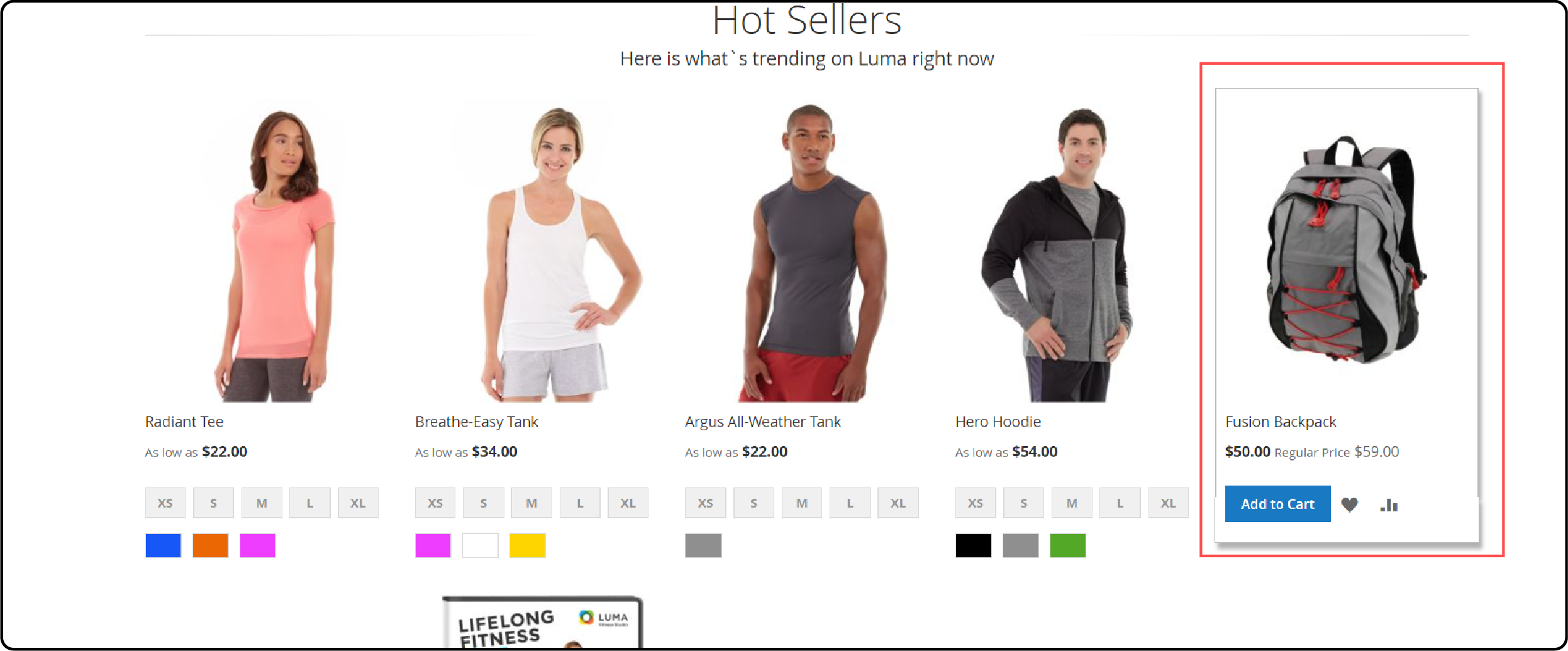
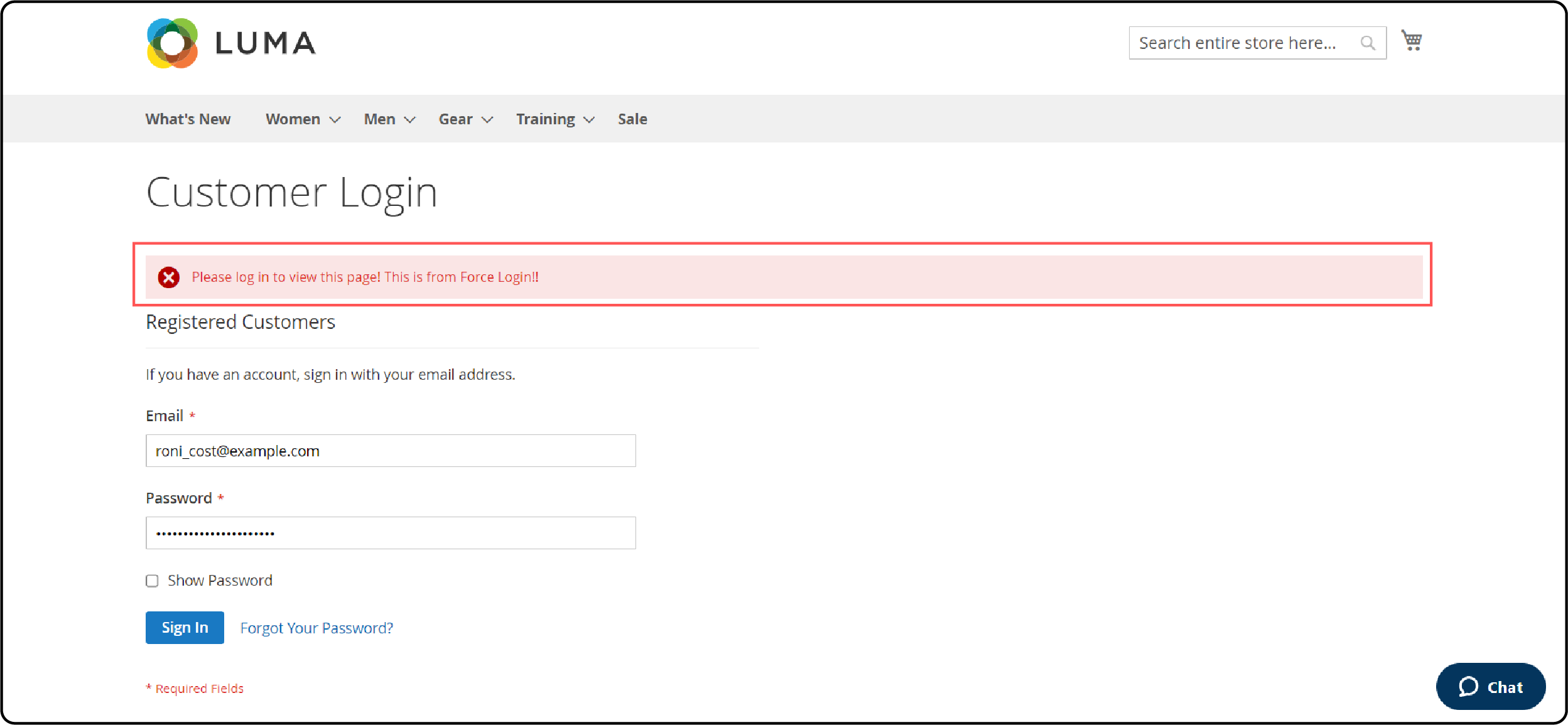
Open your store in an incognito browser window. Navigate to a restricted page and confirm the login redirect triggers.
How to Choose the Right Extension
Budget conscious with basic needs? Start with bitExpert (free). It covers force login, URL whitelisting, and multi-store support without cost.
Need API support for headless or custom integrations? MageComp ($39) includes REST API. Add GraphQL for $49. BSS Commerce ($79) includes both REST and GraphQL out of the box.
Running a Hyva store? MageComp, FME Extensions, BSS Commerce, Mageplaza, and bitExpert include Hyva support at no extra cost. MageAnts charges $99 for Hyva.
Selling age-restricted products? Mageplaza ($99) is the only option with built-in age verification.
Want popup login instead of page redirect? FME Extensions ($69.99) offers customizable login popups with timing control.
Pure B2B wholesale store? Landofcoder focuses on B2B with URL pattern matching and registration control. Check their site for current pricing (often runs promotions).
Pair any force login extension with reCAPTCHA setup and security extensions for complete login protection.
Pros and Cons of Force Sign In
| Pros | Cons |
|---|---|
| Protects B2B pricing from competitors | Blocks search engine crawlers from indexing content |
| Builds registered customer database | Increases friction for new visitors |
| Enables customer-group-specific content | Requires extension maintenance with Magento updates |
| Meets regulatory compliance for restricted products | Free extension lacks advanced features (API, popups) |
| Accurate analytics with logged-in user tracking | Can reduce organic traffic if applied site-wide |
FAQ
1. Does force sign in affect SEO and organic traffic?
Yes. Pages behind a login wall cannot be crawled or indexed by search engines. Apply force login to pages where privacy outweighs organic discovery. Keep public pages (homepage, about, blog) whitelisted.
2. Which force login extension works with Hyva themes?
MageComp, FME Extensions, BSS Commerce, Mageplaza, and bitExpert (free) include Hyva support. MageAnts offers Hyva compatibility as a $99 paid addon.
3. Is there a free force login extension for Magento 2?
Yes. bitExpert offers a free, open source force login module under the Apache 2.0 license. Install via Composer with composer require bitexpert/magento2-force-customer-login. It supports Hyva themes and whitelist management.
4. Can I restrict access to specific pages instead of the entire store?
All seven extensions support page-level restrictions. Select which page types require login: product pages, category pages, CMS pages, checkout, or custom URLs.
5. How do I redirect customers after they log in?
Most extensions offer four redirect options: return to the page they attempted to access, redirect to the homepage, send them to the customer dashboard, or redirect to a custom URL.
6. Can I disable customer self-registration with force login?
MageComp, MageAnts, BSS Commerce, and Landofcoder support disabling self-registration. This restricts account creation to admin-only, useful for invite-based B2B stores.
7. Does force login work with GraphQL and headless Magento?
FME Extensions and BSS Commerce include GraphQL support built in. MageComp offers GraphQL as a $49 addon. Other extensions do not support GraphQL.
8. Is force sign in compatible with Magento 2.4.8?
All seven extensions listed in this guide are compatible with Magento 2.4.8, the latest stable release (April 2025).
Summary
Force sign in transforms your Magento 2 store from an open catalog into a gated, controlled environment. B2B stores, membership sites, and regulated businesses benefit most from login walls that protect pricing and build customer databases.
Seven extensions compete in this space. bitExpert provides the free open source baseline. MageComp delivers the best value at $39 with API support. BSS Commerce offers full API coverage at $79. Mageplaza adds age verification. FME Extensions offers popup-based login flows.
Choose based on your stack (Hyva, headless, standard) and your business model (B2B, membership, compliance). Pair force login with reliable Magento hosting for consistent authentication performance under load.