

Magento 2 Speed Test: Tools, Metrics, and Optimization Strategies
[Updated: March 23, 2026]
Your Magento 2 store loads in 4 seconds. Your competitor loads in 1.8. Google notices. Your customers notice more.
This guide covers 8 speed testing tools, the Core Web Vitals metrics that matter for rankings, and optimization strategies tied to the Magento 2.4.8 stack.
Key Takeaways
-
A Magento 2 speed test measures Core Web Vitals (LCP, INP, CLS) and server response (TTFB) to find bottlenecks before customers find them.
-
Frontend speed tools (PageSpeed Insights, GTmetrix) test what users see. Load testing tools (JMeter, k6) test what your server handles under pressure.
-
INP (Interaction to Next Paint) replaced FID in March 2024 as Google's responsiveness metric. Target: under 200ms.
-
Production mode, Varnish full page cache, Redis session storage, and PHP 8.4 deliver the biggest speed gains on Magento 2.4.8.
-
Continuous monitoring with New Relic or Blackfire catches performance regressions before they cost you traffic.
What is a Magento 2 Speed Test?
Magento 2 speed test = measuring how fast your store loads, responds to interactions, and remains stable during page rendering. The results tell you where bottlenecks exist and what to fix first.
Perfect for: Store owners losing conversions to slow pages, developers optimizing before launch, agencies running performance audits.
Not ideal for: Stores with zero traffic (focus on content first), single product landing pages with no dynamic content.
A speed test evaluates your Magento 2 store across multiple dimensions: server response time, render speed, visual stability, and interactivity. Each dimension maps to a specific Core Web Vital metric that Google uses as a ranking signal.
The goal is not a perfect score. The goal is identifying the specific bottleneck that costs you the most conversions and fixing that first.
Core Web Vitals: The 3 Metrics Google Measures
Google evaluates every page against three Core Web Vitals. These metrics determine whether your store gets a "good" page experience signal in search results.
Largest Contentful Paint (LCP)
LCP measures how long the largest visible element takes to render. For most Magento stores, this is the hero image or the main product image.
| Rating | Threshold |
|---|---|
| Good | Under 2.5 seconds |
| Needs Improvement | 2.5 to 4.0 seconds |
| Poor | Over 4.0 seconds |
Common LCP killers in Magento: unoptimized hero images, render-blocking CSS/JS bundles, slow TTFB from missing full page cache, and third-party scripts loading before main content.
Interaction to Next Paint (INP)
INP replaced First Input Delay (FID) in March 2024. It measures how fast your store responds to user interactions like clicks, taps, and key presses throughout the entire visit, not just the first interaction.
| Rating | Threshold |
|---|---|
| Good | Under 200 milliseconds |
| Needs Improvement | 200 to 500 milliseconds |
| Poor | Over 500 milliseconds |
Magento stores with heavy JavaScript (product configurators, dynamic filters, mega menus) often fail INP. The fix: defer non-critical JS, reduce main thread work, and break up long tasks.
Cumulative Layout Shift (CLS)
CLS measures visual stability. When elements shift position while the page loads, users click the wrong buttons and lose their place.
| Rating | Threshold |
|---|---|
| Good | Under 0.1 |
| Needs Improvement | 0.1 to 0.25 |
| Poor | Over 0.25 |
CLS problems in Magento come from images without explicit width/height attributes, dynamically injected banners, web fonts causing layout reflow, and lazy-loaded content that pushes existing elements down.
TTFB: The Diagnostic Metric
Time to First Byte (TTFB) is not an official Core Web Vital, but it is the single most important diagnostic metric for Magento stores. TTFB measures how long the server takes to send the first byte of the response.
A good TTFB target is under 800ms. For cached Magento pages behind Varnish, TTFB should be under 100ms.
High TTFB points to server-side problems: missing Varnish cache, slow database queries, unoptimized PHP configuration, or insufficient server resources. Fixing TTFB issues is often the highest-impact change you can make.
4 Frontend Speed Testing Tools
These tools test what your customers experience. Run them on your most important pages: homepage, category pages, product detail pages, and checkout.
1. Google PageSpeed Insights
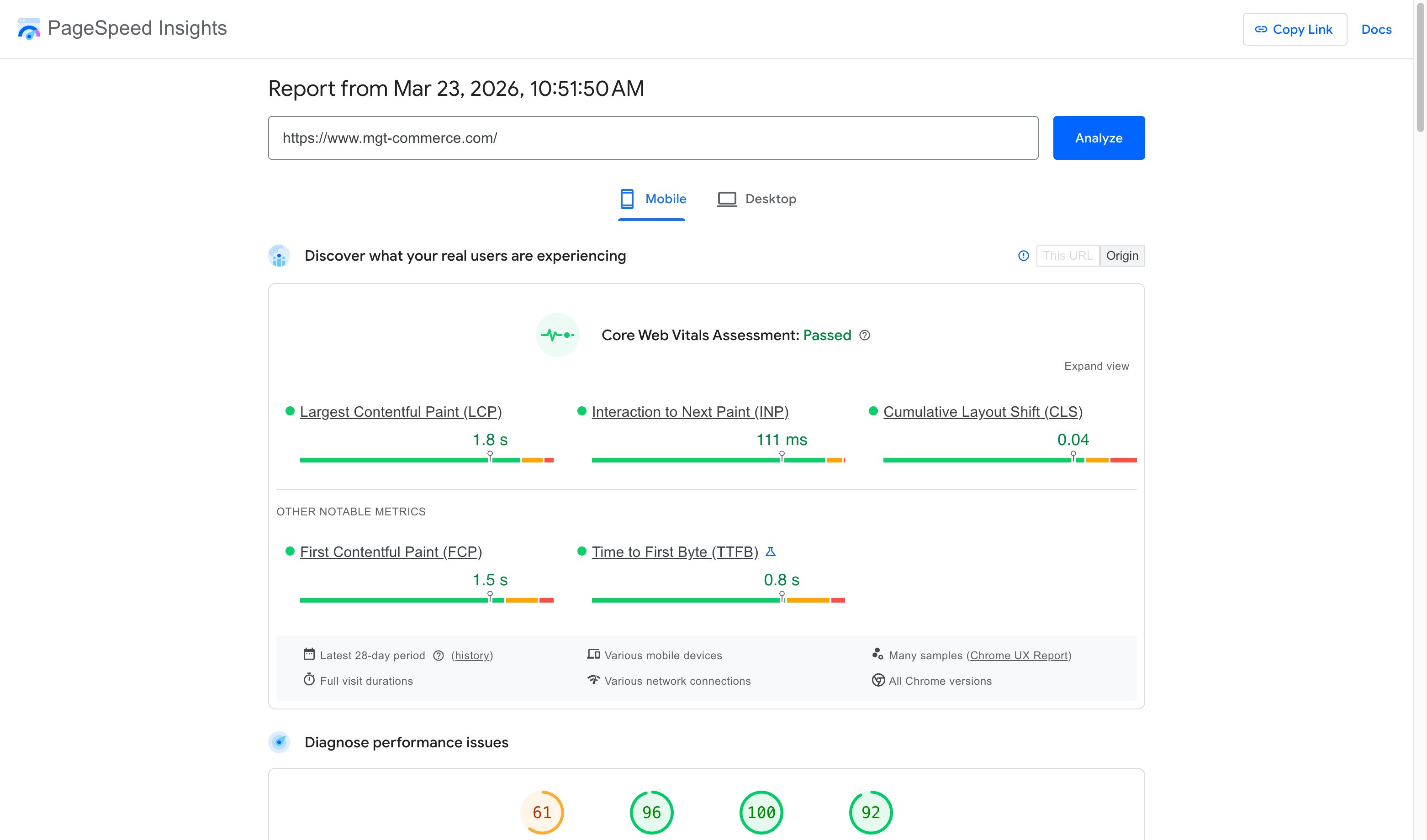
PageSpeed Insights pulls data from two sources: lab data (Lighthouse simulations) and field data (Chrome User Experience Report from real visitors). The field data section matters most because it reflects actual user experience.
The tool scores pages 0 to 100 and provides specific recommendations. For Magento stores, pay close attention to "Reduce unused JavaScript" and "Serve images in next-gen formats" suggestions.
Best for: Quick CWV assessment with real-world field data.
2. GTmetrix
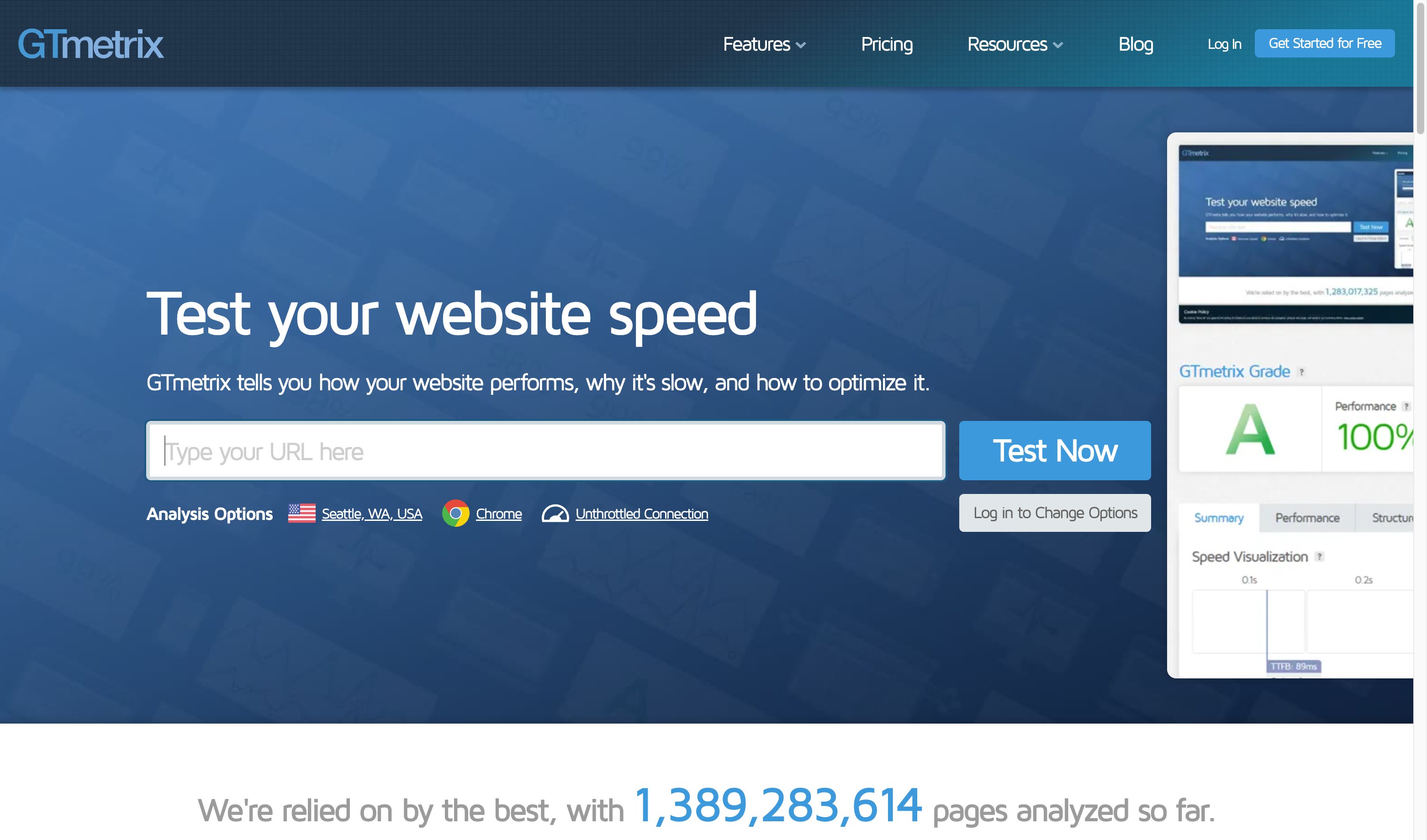
GTmetrix generates detailed performance reports with waterfall charts showing every resource request. You can test from multiple server locations and track performance over time.
The waterfall chart is the most valuable feature. It reveals which resources block rendering, which third-party scripts add latency, and where your server spends time before sending a response.
Best for: Waterfall analysis and historical performance tracking.
3. WebPageTest
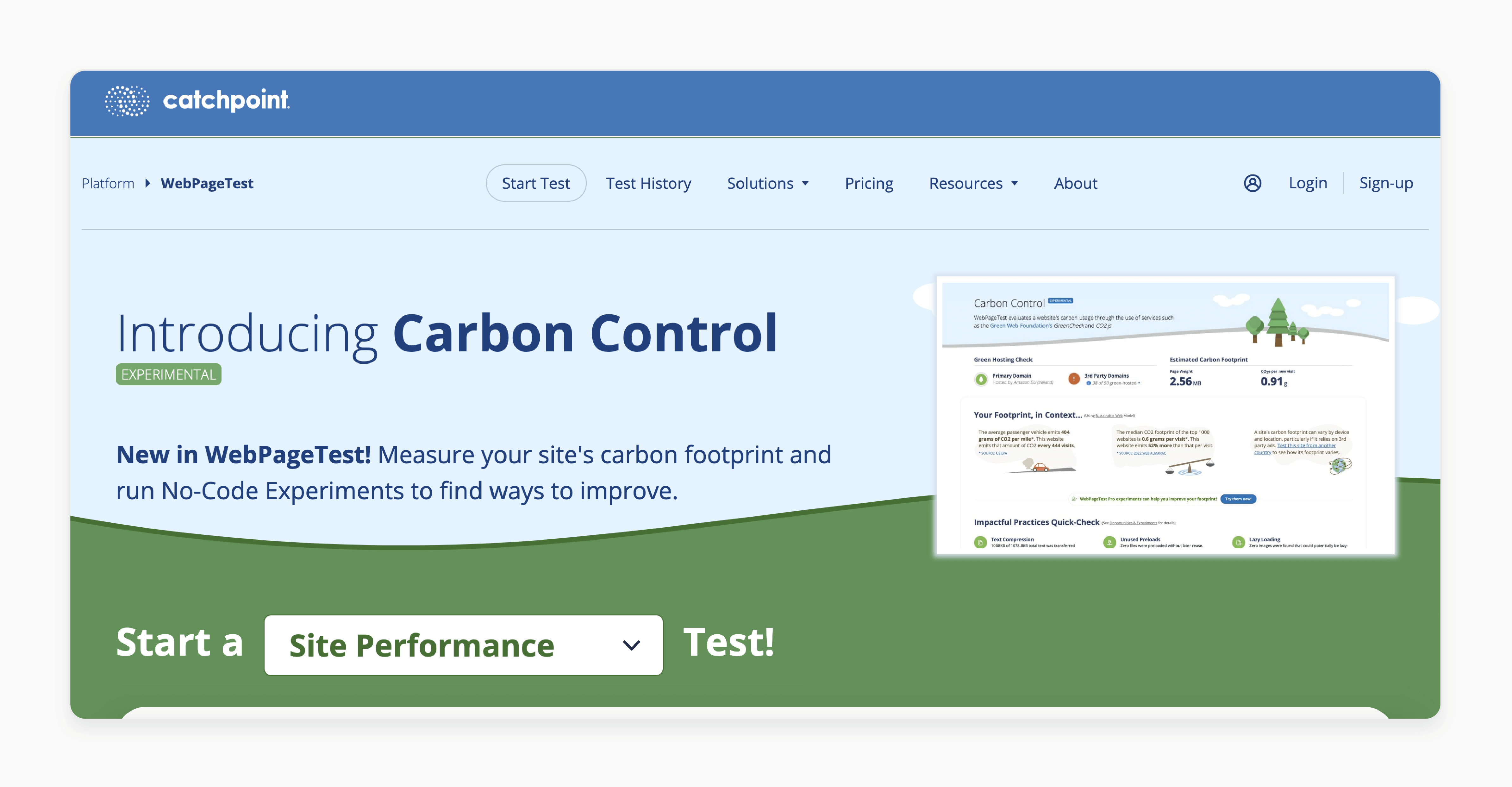
WebPageTest offers advanced testing capabilities: multiple test runs, filmstrip comparison, connection throttling, and custom scripting for multi-step flows. You can simulate a checkout flow and measure each step.
The "visual comparison" feature lets you test your store against competitors side by side. The filmstrip view shows exact rendering progression frame by frame.
Best for: Advanced testing, multi-step flows, competitor benchmarking.
4. DebugBear
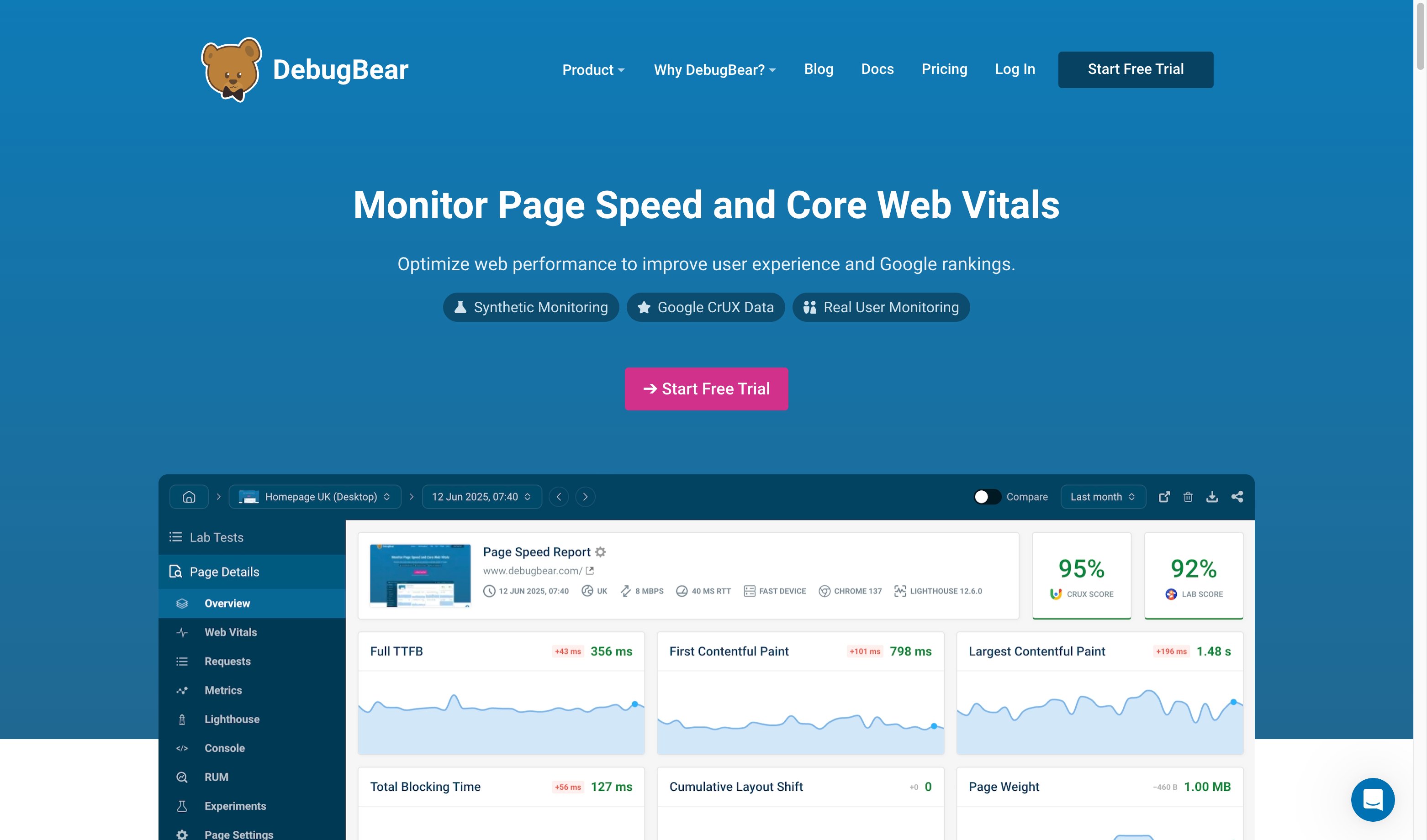
DebugBear combines synthetic monitoring with Real User Monitoring (RUM). It tracks Core Web Vitals over time and alerts you when performance degrades. The Magento-specific recommendations make it a strong fit for ecommerce stores.
Best for: Continuous performance monitoring and CWV trend tracking.
4 Backend Performance Testing Tools
Frontend speed tests show symptoms. Backend tools reveal causes. These tools test server capacity, identify code-level bottlenecks, and measure performance under load.
5. Apache JMeter
JMeter simulates hundreds or thousands of concurrent users hitting your Magento store. It measures response times, throughput, and error rates under load. You can script realistic shopping scenarios: browse catalog, add to cart, complete checkout.
Best for: Load testing before sales events, capacity planning, identifying server limits.
6. k6 (Grafana)
k6 is a modern load testing tool built for developers. Tests are written in JavaScript, making them easy to version control and integrate into CI/CD pipelines. It produces clean metrics and integrates with Grafana dashboards.
Best for: Developer-friendly load testing, CI/CD integration, automated performance gates.
7. New Relic
New Relic provides Application Performance Monitoring (APM) for Magento. It traces every transaction from the web server through PHP to the database, showing where time is spent. Slow database queries, memory-heavy operations, and problematic extensions surface fast.
Adobe Commerce Cloud includes New Relic. For self-hosted Magento, it requires a separate license.
Best for: Production monitoring, transaction tracing, identifying slow queries and memory issues.
8. Blackfire
Blackfire profiles PHP code execution in Magento. It shows which functions consume the most CPU time and memory. You can compare profiles before and after changes to verify optimizations worked.
Best for: Code-level profiling, extension performance audits, pre-deployment verification.
Magento 2.4.8 Performance Stack
The technology stack under your Magento store determines the performance ceiling. Magento 2.4.8 (current release) supports components that deliver measurable speed improvements over older versions. Choosing managed Magento hosting with the right stack pre-configured eliminates most server-side performance issues.
| Component | Version | Performance Impact |
|---|---|---|
| PHP | 8.3 / 8.4 | Up to 15% faster execution vs PHP 8.1. JIT compiler reduces CPU load |
| MySQL | 8.4 | Improved query optimizer, faster joins on large catalogs |
| MariaDB | 11.4 LTS | Alternative to MySQL. Supported until 2029 |
| OpenSearch | 2.19 | Replaced Elasticsearch (deprecated). Faster catalog search |
| Redis | 7.2 | Session and cache backend. Eliminates database session locks |
| Valkey | 8.0 | Redis-compatible alternative. New in 2.4.8 |
| Varnish | 7.6 | Full page cache. Reduces TTFB to under 100ms for cached pages |
| Composer | 2.9.3+ | Faster dependency resolution during deployments |
Key change in 2.4.8: Elasticsearch is deprecated. OpenSearch 2.19 is the supported search engine. Plan your migration if you still run Elasticsearch.
Regular support for the 2.4.8 release line ends April 11, 2028.
Speed Optimization Strategies
1. Enable Production Mode
This is the single most overlooked optimization. Magento's production mode pre-compiles all static assets, disables automatic code generation, and serves pre-compiled dependency injection configuration.
A store running in developer or default mode is much slower than production mode. Verify your mode:
bin/magento deploy:mode:show
2. Configure Varnish Full Page Cache
Varnish sits in front of Magento and serves cached pages without touching PHP or the database. Cached page TTFB drops from 500ms+ to under 50ms.
Magento generates Varnish VCL configuration files. Use them. Do not write custom VCL unless you understand the cache invalidation patterns Magento relies on.
3. Use Redis for Sessions and Cache
File-based sessions create lock contention under load. Redis eliminates this by storing sessions in memory. Configure Redis for both the default cache backend and session storage.
For stores with high traffic, use separate Redis instances for cache and sessions. This prevents cache flushes from destroying active sessions.
4. Optimize Images
Unoptimized product images are the most common LCP bottleneck. Serve WebP format, set explicit width and height attributes on all <img> tags, and implement lazy loading for below-the-fold images.
Use a CDN with automatic image optimization. This handles format conversion, compression, and responsive sizing without touching your Magento media catalog.
5. Minimize and Defer JavaScript
Magento ships with heavy JavaScript bundles. Enable JS minification and merging in production. Move non-critical scripts (analytics, chat widgets, social embeds) to deferred or async loading.
For stores using Luma theme, consider migrating to Hyva. Hyva replaces RequireJS and KnockoutJS with Alpine.js, reducing frontend JavaScript from 1MB+ to under 100KB.
6. Set Up Continuous Monitoring
A one-time speed test is a snapshot. Performance degrades over time as extensions are added, catalogs grow, and traffic patterns change.
Set up automated speed tests with DebugBear or GTmetrix Pro. Run them on your critical pages (homepage, top category, top product, checkout) at least weekly. Configure alerts for when metrics cross CWV thresholds.
For server-side monitoring, New Relic or a similar APM tool catches slow queries, memory leaks, and cron job issues before they affect customers.
How to Run a Magento 2 Speed Test
Follow this sequence for a complete performance assessment:
Step 1: Baseline your Core Web Vitals. Run PageSpeed Insights on your homepage, top 3 category pages, and top 3 product pages. Record LCP, INP, and CLS for each. Use field data if available.
Step 2: Identify server-side bottlenecks. Check TTFB across pages. If TTFB exceeds 800ms on cached pages, the problem is server configuration (missing Varnish, slow database, insufficient resources).
Step 3: Analyze the waterfall. Run GTmetrix on your slowest page. Look for render-blocking resources, oversized images, and third-party scripts that delay LCP.
Step 4: Test under load. Run JMeter or k6 with realistic traffic patterns. Start at your current peak traffic and increase to 2x and 3x. Note where response times degrade and errors appear.
Step 5: Profile the application. If server response is slow despite proper caching, use Blackfire or New Relic to trace slow PHP execution. Identify problematic extensions, heavy database queries, and memory-intensive operations.
Step 6: Fix and retest. Address the highest-impact bottleneck first. Rerun the same tests to verify the fix. Repeat until all CWV metrics are in the "good" range.
Who Should Run Speed Tests?
| Role | Focus | Recommended Tools |
|---|---|---|
| Store Owner | Overall CWV score, conversion impact | PageSpeed Insights, DebugBear |
| Frontend Developer | LCP, INP, CLS optimization | GTmetrix, WebPageTest, Chrome DevTools |
| Backend Developer | TTFB, database queries, caching | New Relic, Blackfire, k6 |
| DevOps / System Admin | Server capacity, scaling | JMeter, k6, New Relic Infrastructure |
| Agency / Consultant | Client reporting, benchmarking | GTmetrix Pro, WebPageTest, DebugBear |
Pros and Cons of Automated Speed Testing
FAQ
What is the most important Magento 2 speed metric?
LCP (Largest Contentful Paint) has the strongest correlation with bounce rates and conversions. If your LCP exceeds 2.5 seconds, focus there first. TTFB is the most actionable diagnostic metric because it reveals server-side bottlenecks that affect every other metric.
What replaced FID in Core Web Vitals?
INP (Interaction to Next Paint) replaced FID in March 2024. FID measured only the first interaction. INP measures responsiveness across the entire page visit, making it a more comprehensive metric. The threshold for "good" INP is under 200 milliseconds.
How often should I run speed tests on my Magento store?
Run automated tests weekly on critical pages (homepage, top categories, top products, checkout). Run manual deep-dive tests after every deployment, extension installation, or catalog size increase. Set up continuous RUM (Real User Monitoring) for production traffic.
What TTFB should a Magento store achieve?
For cached pages served through Varnish: under 100ms. For uncached pages (first visit, logged-in users, cart pages): under 800ms. If your uncached TTFB exceeds 1 second, investigate server resources, database performance, and PHP configuration.
Does production mode make a real difference?
Yes. Production mode pre-compiles static assets and dependency injection. Switching from developer to production mode delivers a 20 to 30 percent speed improvement. Never run a live Magento store in developer or default mode.
Can I speed test a Magento store behind a CDN?
Yes, but test both with and without CDN. CDN-cached results show what most users experience. Origin-direct tests reveal actual server performance. Use WebPageTest with "bypass CDN" headers for accurate origin testing.
What is a good PageSpeed score for Magento 2?
A score above 50 for mobile is realistic for a full-featured Magento store with extensions and dynamic content. Scores above 80 are achievable with managed Magento hosting, Hyva theme, optimized images, and proper caching. Focus on CWV metrics over the aggregate score.
How does PHP version affect Magento speed?
PHP 8.4 (supported in Magento 2.4.8) delivers up to 15 percent faster execution compared to PHP 8.1. The JIT compiler reduces CPU load on compute-heavy operations like catalog rendering and checkout processing.
What is the difference between speed testing and load testing?
Speed testing measures how fast pages load for a single user. Load testing measures how the store performs under concurrent traffic. Both are necessary. A store can load fast for one user but collapse under 500 simultaneous visitors during a sale event.
Should I use Elasticsearch or OpenSearch with Magento 2.4.8?
OpenSearch. Elasticsearch is deprecated in Magento 2.4.8. OpenSearch 2.19 is the supported search engine. If you run Elasticsearch, plan your migration before upgrading to 2.4.8.
Summary
A Magento 2 speed test is the foundation of every speed optimization effort. Start with Core Web Vitals (LCP under 2.5s, INP under 200ms, CLS under 0.1), diagnose server-side issues through TTFB, and validate capacity with load testing.
The Magento 2.4.8 stack (PHP 8.4, OpenSearch, Redis/Valkey, Varnish) provides the best performance foundation available. Combine it with production mode, image optimization, and continuous monitoring to keep your store fast as it grows.
Speed is not a one-time project. Set up automated testing, monitor trends, and treat performance regressions like bugs: fix them before the next deploy.
